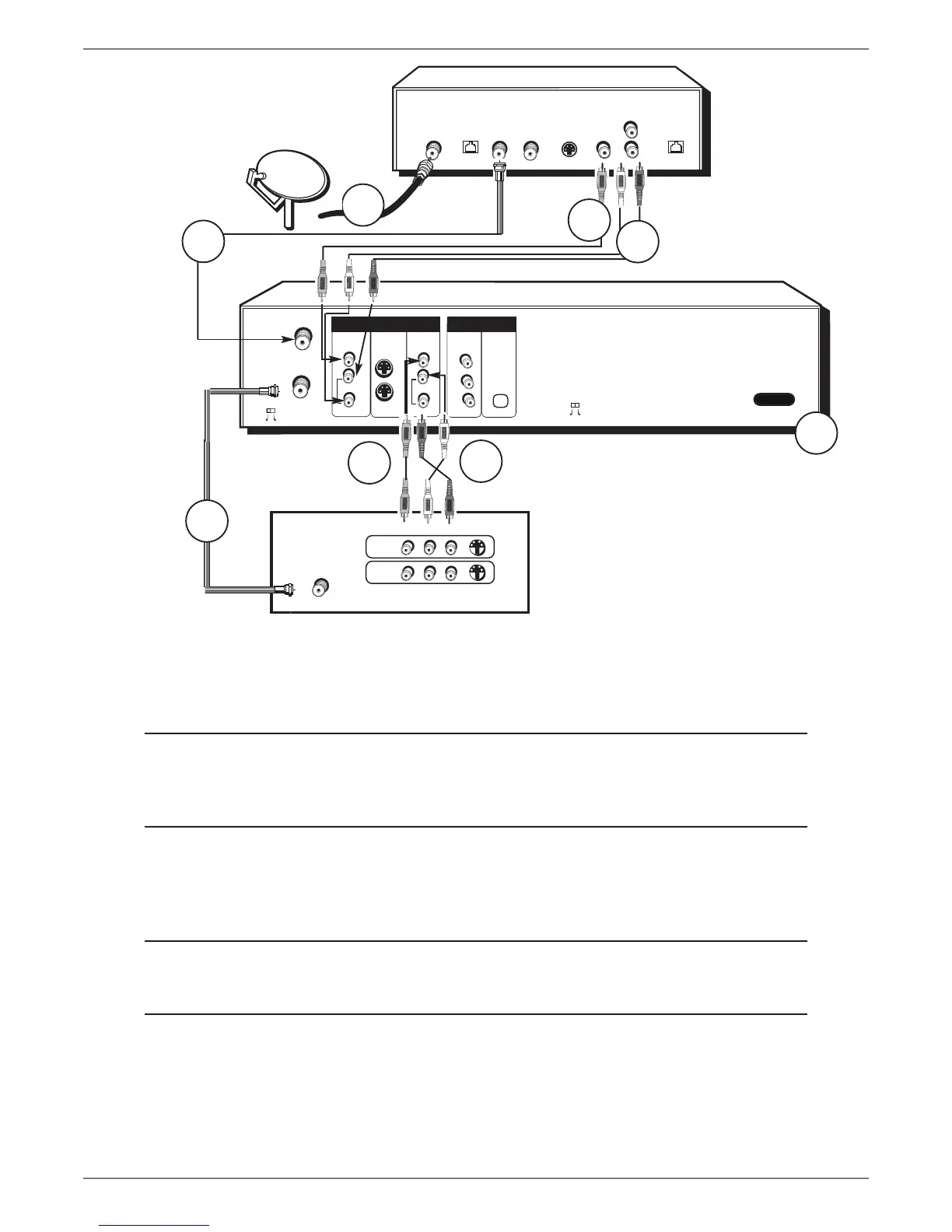
The back of your
satellite receiver might
look different than the
one pictured here.
SATELLITE
DISH
ANTENNA
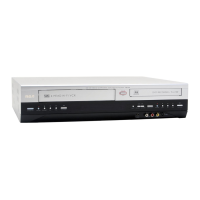
DVD/VCR
TV
The back of your TV might look
different than the one pictured here.
Details about the different kinds of cables used to connect your DVD/VCR are on page 4.
Tune the TV to its Input 1 channel or Vid 1 channel
Tune the DVD/VCR to the INPUT 1 channel (press the INPUT button on the remote).
Tune the satellite receiver to the channel you want to watch.
To watch TV (satellite
programming) with the
DVD/VCR turned off:
Tune the TV to its CABLE/ANTENNA INPUT channel (usually channel 2, 3, or 4).
Tune the satellite receiver to the channel you want to watch.
To play a disc or tape:
Tune the TV to Input 1 channel or Vid 1 channel.



 To Next Page