Using the TV’s Features
20 Chapter 3
Channel Banner
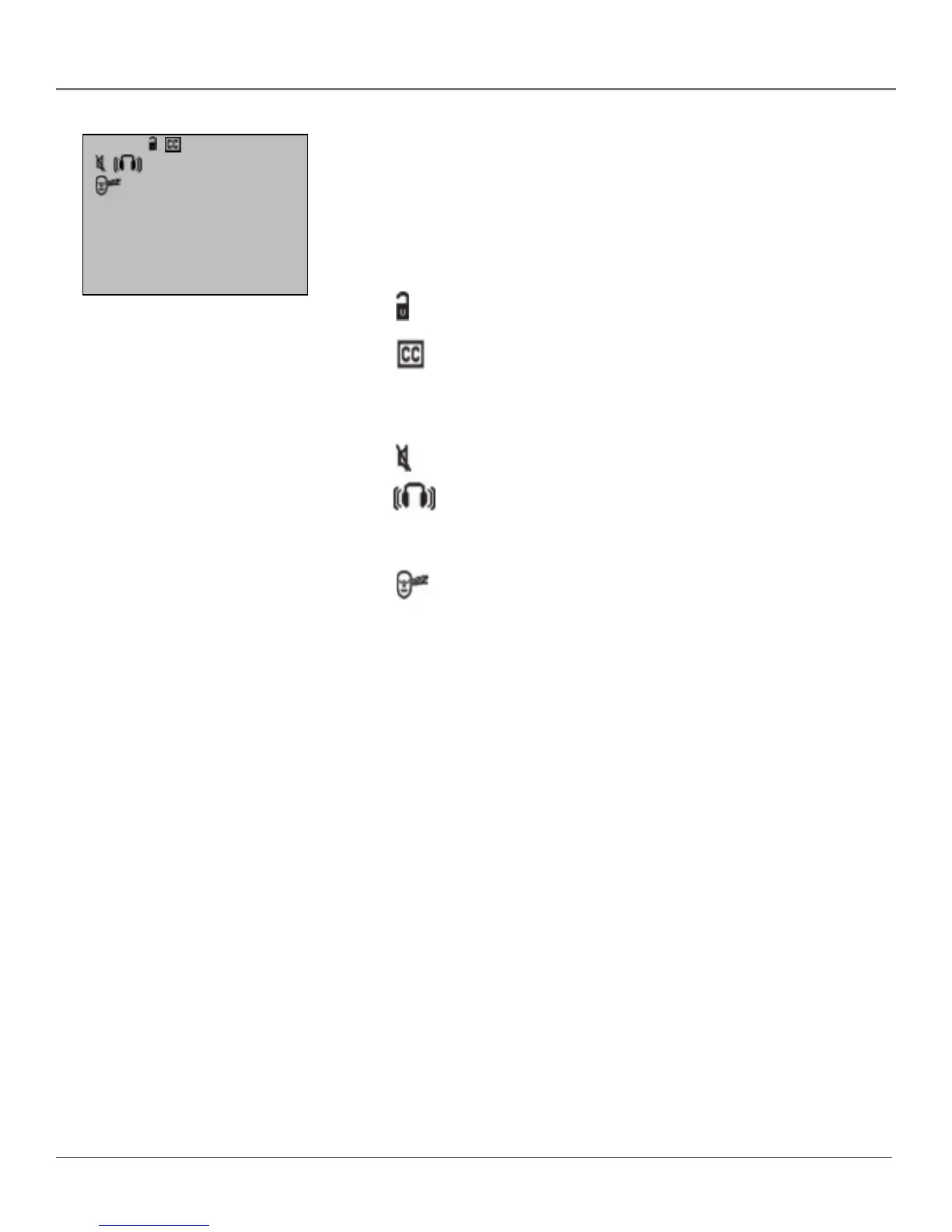
There are several indicators that might appear when you press the DISPLAY
button on the remote. This display is called the Channel Banner. The following
list describes the items on the Channel Banner screen (left to right and top
to bottom).
12:01 Displays the current time.
The lock is displayed to indicate when Parental Controls are
locked or unlocked.
Displayed when Closed Captioning is available on the
current channel.
ESPN Displays the label assigned to the current channel.
60 Displays the current channel or input channel.
Mute is displayed when you mute the audio.
Stereo is displayed when the current channel is broadcasting
in Stereo.
SAP Displayed when the current channel is broadcasting SAP
(Second Audio Program) information.
Displayed when the Sleep Timer has been set.
00:00 Displayed to count down time left on the commercial skip
(SKIP) timer.
Sample displays on a Channel Banner.
12:01 ESPN 60
SAP
00:00



 To Next Page