The CAPTIONING feature lets
you display the audio portion of a
program as text on the TV screen.
This is useful to the heating
impaired or anyone who wants to
watch a program without the
sound.
There are four types of closed
captioning transmissions
available: Captions 1 and
Captions 2, Text I and Text 2.
Captions I displays the full
translation of the primary
language in yourarea. Captions 2
may be used as a source for
secondary languages, simplified
English, or other translations
transmitted in your area.
The Text modes, Text 1 and
Text 2, display on-screen boxes
containing the text of general
information not necessarily
related to the program being
watched. These Text modes may
not be available in all areas.
Note: Closed Captioning is not available on
all channels or at all times. Only specific
programs encoded with Closed Captioning
information (CC) are applicable.
When Captions i is availablel the word
"Captioned" appears on the screen when you
change channels or press the TV or DISPLAY
button on the remote. The word "Captioned"
does not appear to tell you if Captions 2 or
either Text mode is available.
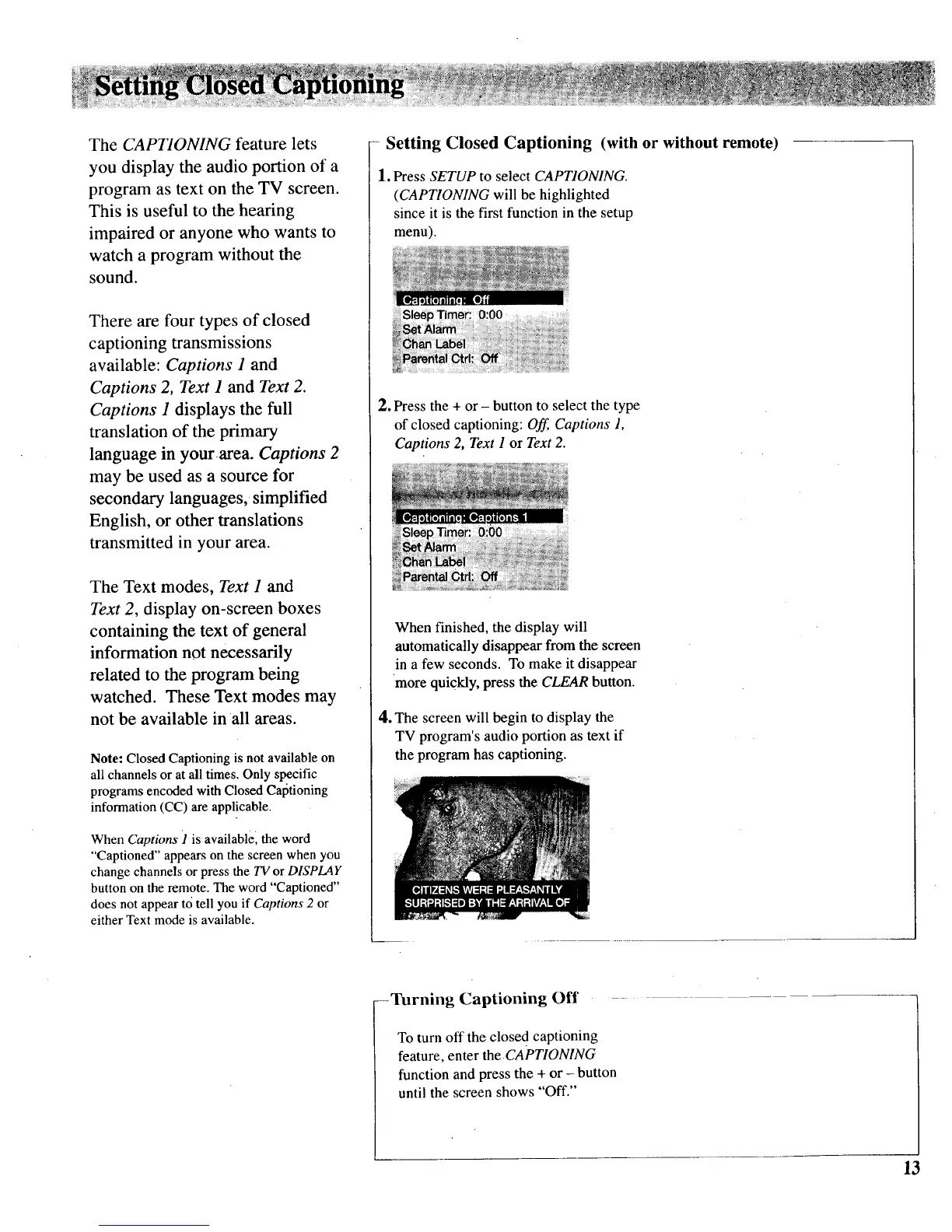
- Setting Closed Captioning (with or without remote)
1. Press SETUP to select CAPTIONING.
(CAPTIONING will be highlighted
since it is the first function in the setup
menu).
2. Press the + or - button to select the type
of closed captioning: Off, Captions 1,
Captions 2, Text I or Text 2.
When finished, the display will
automatically disappear from the screen
in a few seconds. To make it disappear
more quickly, press the CLEAR button.
4. The screen will begin to display the
TV program's audio portion as text if
the program has captioning.
--Turning Captioning Off
To turn off the closed captioning
feature, enter the CAPTIONING
function and press the + or - button
until the screen shows "Off."
13



 To Next Page