Chapter 1
Changing Entertainment. Again.
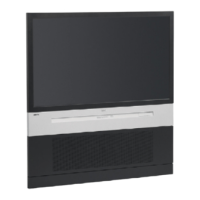
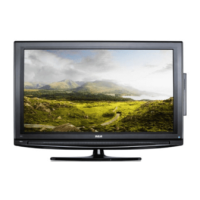
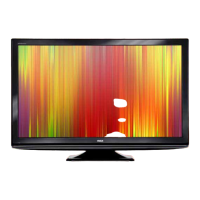
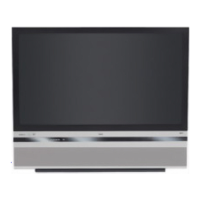
Graphics contained within this publication are for representation only. 7
Connections & Setup
Chapter Overview:
• Things to Consider Before You Connect
• Choose Your Connection
• Explanation of Jacks and Cables
• The Front of Your TV
• How To Connect
• Plug in the TV
• Put Batteries in the Remote
• Turn on the TV
• Use the Remote Control to Complete the Assisted Setup
• Complete the Assisted Setup
• Next Steps







 To Next Page