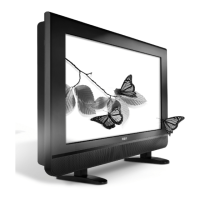
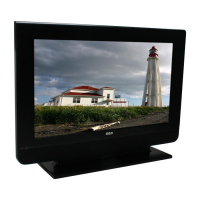
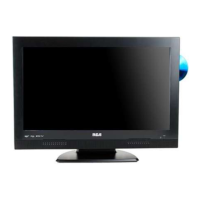
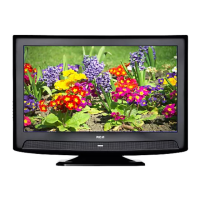
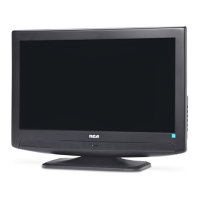
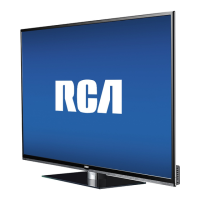
26’’ LCD TV RCA L26WD23
Color Temperature Adjusts to make the picture appear more red or blue. Choose Warm for more red, Normal for
standard picture, and Cool for more blue.
3D Comb Filter If you have a device connected to the VIDEO INPUT helps to correct detail and color loss. Turn the
option On for improved video.
VGA Settings (only available in VGA mode)
Horizontal Position Adjusts the picture's position left or right.
Vertical Position Adjusts the picture's position upward or downward.
Clock Adjusts the clock sync of the picture.
Phase Adjusts the picture if there is flicker of screen letters, color misalignment, or blurring.
Auto Adjustment Adjusts the position of the picture automatically. Try it if the picture on the VGA input doesn't look
right.
Reset All Restores VGA Settings menu to the default settings.
Audio Menu
Bass Increases or decreases the bass of the sound.
Treble Increases or decreases the treble of the sound.
Balance Adjusts how much audio is sent to the left and right speakers.
Advanced Audio Menu


 To Next Page