6 Chapter 1
Connections & Setup
TV/DVD
V
C
R
Components Cables Connection Go to...
Needed Title
Coaxial
Audio/video
Component video
TV/DVD +
HD Receiver + VCR
page 7
TV/DVD + Satellite
Receiver + VCR
page 8
V
C
R
Coaxial
Audio/video
Component video
TV/DVD + VCR
page 9
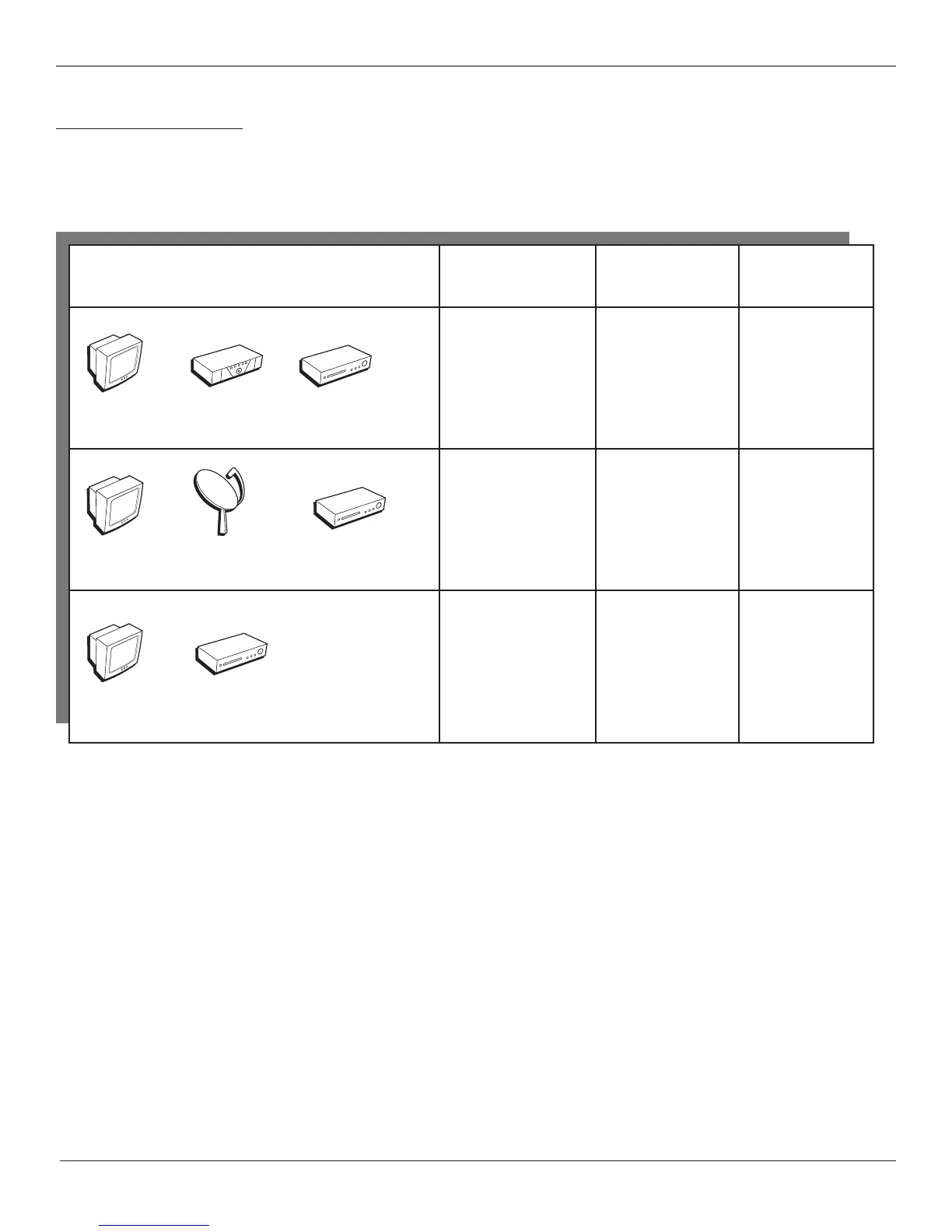
Choose Your Connection
There are several ways to connect your TV/DVD. Please use the following chart to determine which connection is
best for you. Proceed to the appropriate page and connect your TV/DVD.
Note: If you prefer, we can provide you with the name of an Authorized Service Representative who will visit your home for a fee to
install your electronic entertainment system and to instruct you in its operation. For details about this service, call 1-888-206-3359
or visit rcascenium.com.
H
D
R
e
c
e
iv
e
r
Satellite
V
C
R
Coaxial
Audio/video
S-Video
For general information on connecting an A/V receiver or speakers to your TV/DVD, go to page 10.
TV/DVD
TV/DVD



 To Next Page
 Loading...