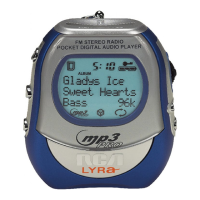
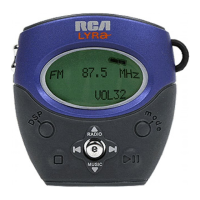
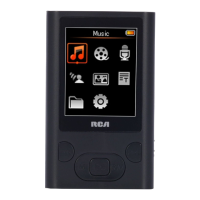
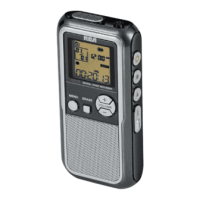
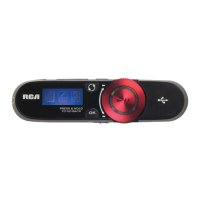
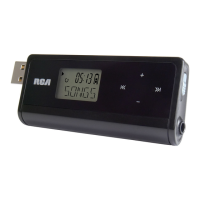
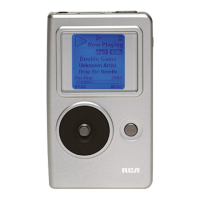
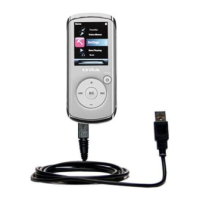
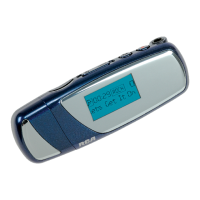
1. Display - Shows user interface.
2. SELECT - Enters the selected menu
level. During menu navigation in music
mode - Tags an unselected item to be
included into the My Selections playlist.
Removes a selected item from the My
Selections playlist.
In radio mode - Selects the current radio
station as a preset station.
UP ( ) - Scrolls up when navigating
through the menu and moves the cursor
up.
In radio and music playback mode -
Increases the volume.
DOWN ( ) - Scrolls down when
navigating through the menu and moves
the cursor down.
In radio and music playback mode -
Decreases the volume.
LEFT ( ) - In navigation mode - Returns
to the previous menu level.
In music mode - Skips to the previous
song or the beginning of the current
song. Press and hold to scan backwards.
In radio mode - Scans down radio
frequency.
RIGHT ( ) - Enters the selected menu.
In music mode - Skips to the next song.
Press and hold to scan forward.
In radio mode - Scans up radio frequency.
3. ON/PLAY/PAUSE ( ) - Turns the unit
on.
In music navigation mode - Starts music
playback.
In music playback mode - pauses and
resumes playback.
In radio mode - Selects between preset
tuning and manual tuning.
4. OFF/STOP ( ) - Turns the unit off.
Press and hold in any mode to turn off
the unit.
In music playback mode - Stops music
playback.
In radio recording / line in recording /
voice recording mode - Stops recording.
5. REC - Starts and pauses recording in
radio / voice / line in mode.
6. MENU - Accesses the menu.
7. / - Slide to lock and unlock the
unit
8. Line in jack - Connects to other
auxiliary device.
9. USB port ( ) - Attach the small
end of the mini-USB cable here.
10. Mic - Microphone for voice recording.
11. CARD SLOT - Slot for external
memory card.
12. Headphones Jack ( ) - Insert the
headphones plug here.
13. Battery Compartment - Insert battery
here.
EN
EN
9
General Controls
10
General Controls
1
3
4
5
6
2
7
8
9
11
12
10
13
Note
The maximum size of
external memory card
supported by this unit is 512MB.



 To Next Page
 Loading...