12
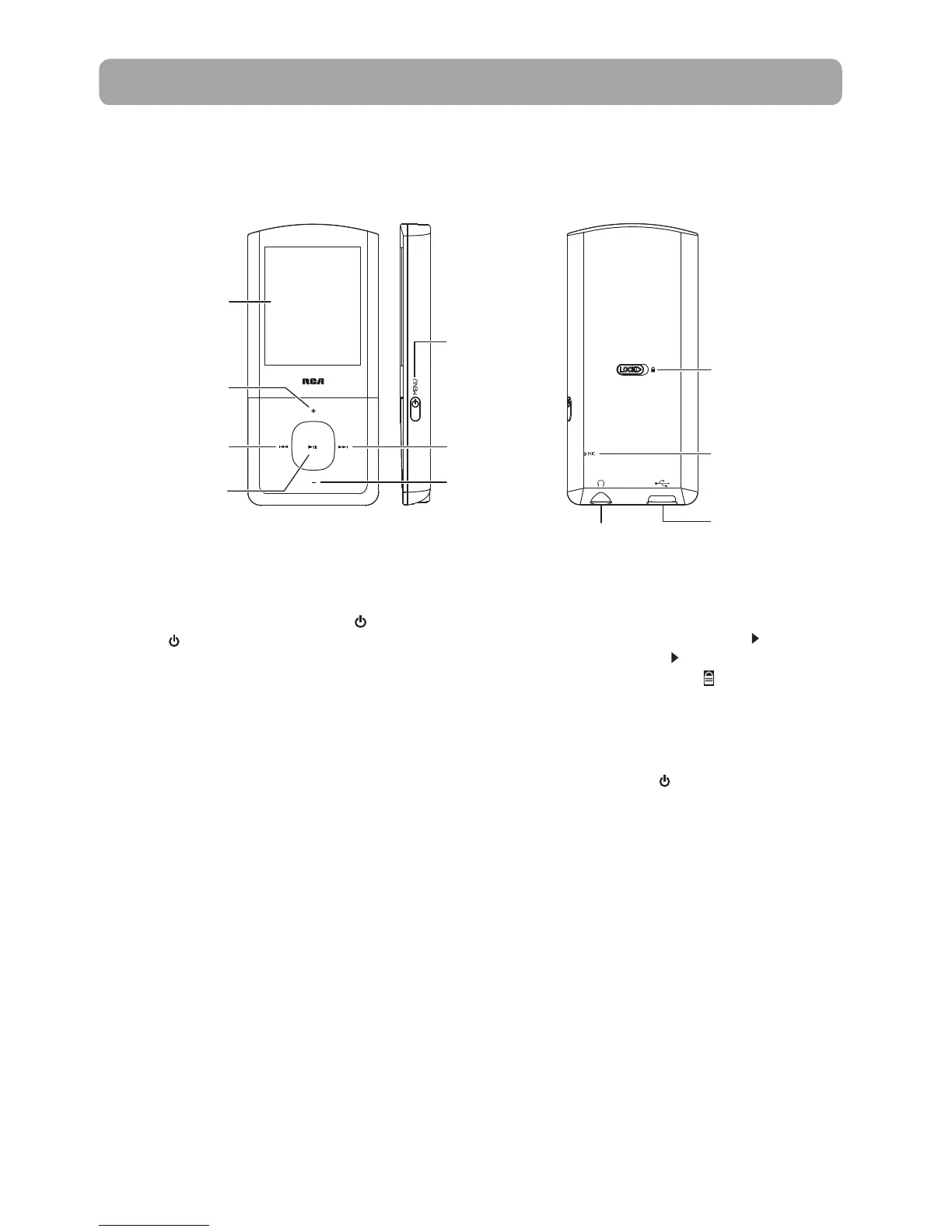
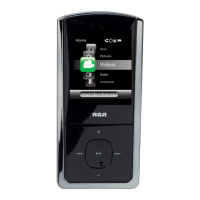
General controls
Display
Lock/unlock
Earphones Jack
USB jack
Play/pause
Skip back/reverse/
menu back
Scroll up/increase
volume
Microphone
Turning the player on and off
To turn the player on, press and hold /MENU. Press
and hold
/MENU again to turn the player off.
Locking the player controls
To lock the player controls to prevent them from
being activated accidentally, slide LOCK
to the
right. To unlock, slide LOCK to the left. When the
controls are locked, the lock icon appears on the
display.
Resetting the player
If the player stops operating properly, you can reset
it by pressing and holding /MENU for more than
10 seconds.
Power on/off, Menu
Skip forward/fast
forward/menu
advance
Scroll down/
decrease volume


 To Next Page