chapter 1 17
Connections and Setup
- +
ON • OFF
PAUSE
SKIP BACK SKIP FWD
SCAN REV
SCAN FWD
OPEN • CLOSE
STOP
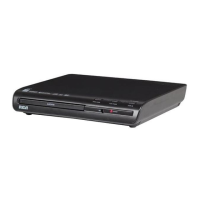
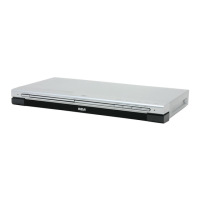
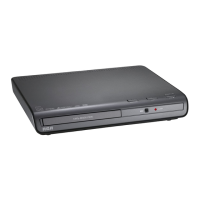
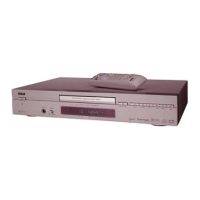
Front Panel Controls
1. ON•OFF Use to turn the power on and off.
2. Disc Tray Discs are inserted here. Press OPEN•CLOSE to open and close disc tray.
3. OPEN•CLOSE Press to open and close the disc tray.
4. SKIP BACK During playback, moves to the beginning of the preceding title, chapter, or track on a disc.
5. SKIP FWD During playback, advances to the next chapter.
6. SCAN FWD Press and hold to scan through a DVD or CD; each press of the button increases the speed from 2X to 8X, then cycles
back to PLAY.
7. PLAY Begins disc play (and closes disc tray if open).
8. SCAN REV Press and hold to reverse through a DVD or CD; each press of the button increases the speed from 2X to 8X, then
cycles back to PLAY.
9. PAUSE Pauses disc play.
10. STOP Stops disc play.
11. Front Panel Display Displays information about the current state of the player and/or disc..
12. VOLUME Push and release the buttton (button extends out) and turn to adjust the volume of the headphones.
13. PHONES Plug in headphones here.
4
7
8
10
3
6
1
9
111213
25
15739290.03 s&c 4/20/01, 9:11 AM17



 To Next Page