Table of Contents
Product Diagram . . . . . . . . . . . . . . . . . . . . . . . . . . . . . . . . . . . .2
Introduction . . . . . . . . . . . . . . . . . . . . . . . . . . . . . . . . . . . . . . . .3
Battery Installation and Information . . . . . . . . . . . . . . . . . . . .3
Battery Saver . . . . . . . . . . . . . . . . . . . . . . . . . . . . . . . . . . . . . . .3
Backlighting . . . . . . . . . . . . . . . . . . . . . . . . . . . . . . . . . . . . . . . .3
Illuminated ON•OFF Key . . . . . . . . . . . . . . . . . . . . . . . . . . . . .4
Programming the Remote . . . . . . . . . . . . . . . . . . . . . . . . . . . . .4
Programming Methods . . . . . . . . . . . . . . . . . . . . . . . . . . . . . . .4
Brand Code Search and Entry . . . . . . . . . . . . . . . . . . . .4
Direct Code Entry . . . . . . . . . . . . . . . . . . . . . . . . . . . . . .6
Manual Code Search and Entry . . . . . . . . . . . . . . . . . . .7
Auto Code Search and Entry . . . . . . . . . . . . . . . . . . . . .9
Code Retrieval . . . . . . . . . . . . . . . . . . . . . . . . . . . . . . . . . . . . .11
Using the Remote to Control Your Components . . . . . . . . . .12
On-screen Menus . . . . . . . . . . . . . . . . . . . . . . . . . . . . . . . . . . .13
Accessing and Selecting Menu Items . . . . . . . . . . . . . .13
Exiting a Menu Mode . . . . . . . . . . . . . . . . . . . . . . . . . .13
Sleep Timer . . . . . . . . . . . . . . . . . . . . . . . . . . . . . . . . . . . . . . . .13
Programming the Sleep Timer . . . . . . . . . . . . . . . . . . .13
Canceling the Sleep Timer . . . . . . . . . . . . . . . . . . . . . . .14
Troubleshooting . . . . . . . . . . . . . . . . . . . . . . . . . . . . . . . . . . . .14
Warranty . . . . . . . . . . . . . . . . . . . . . . . . . . . . . . . . . . . . . . . . . .47
2
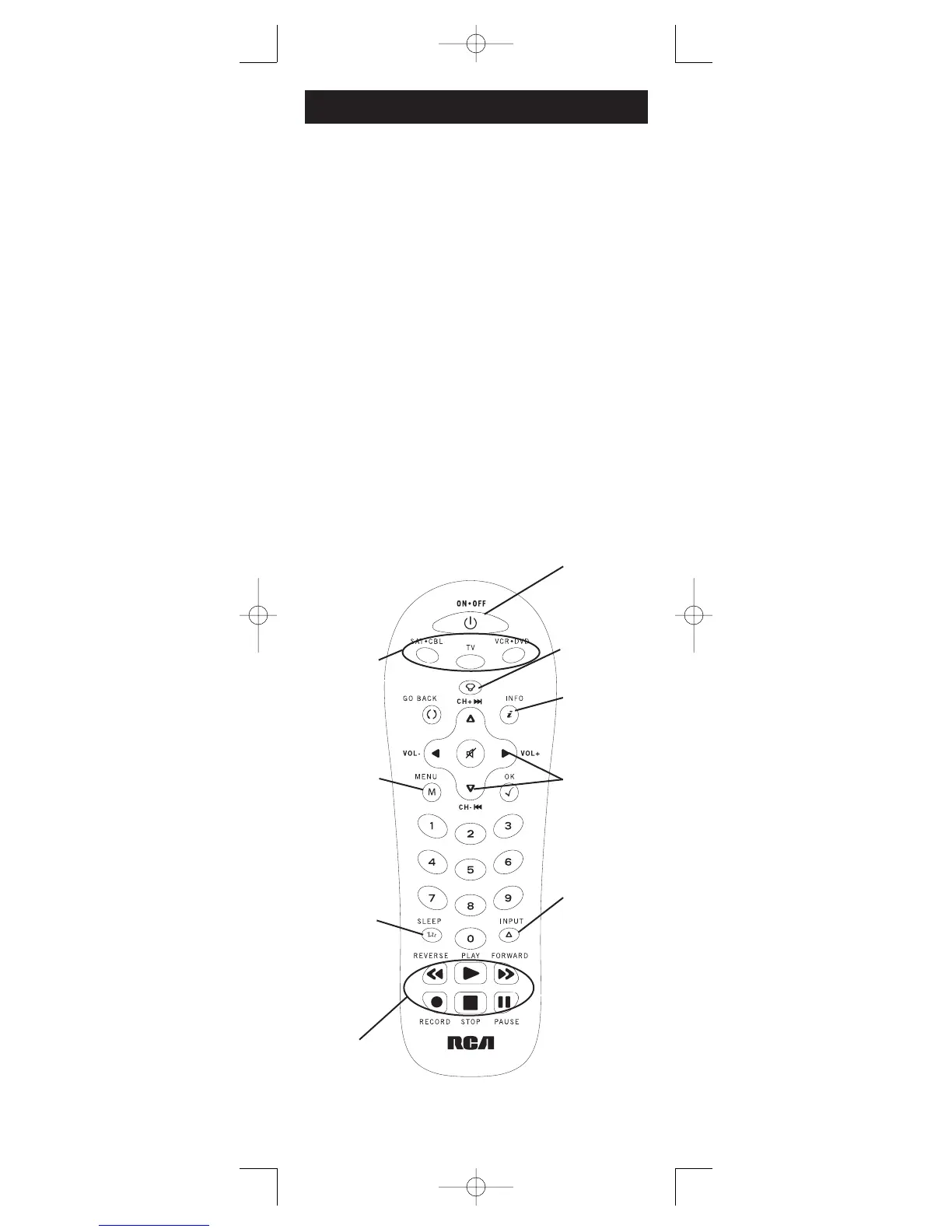
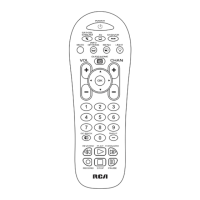
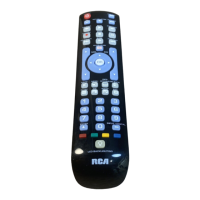
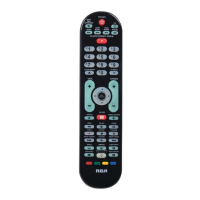
Component keys.
(
TV, VCR•DVD,
SAT•CBL)
CH and VOL
keys have dual
functions. They act
as navigation keys
(UP, DN, RT, LT
ARROW keys) in
menu systems.
INPUT key – On
some remotes, this
is called the TV/VCR
key. It toggles through
all the video sources
connected to your TV.
Dedicated MENU
key for DVD disc
menus, satellite
receivers and
some TVs.
SLEEP key – Allows
you to set a time to
turn off your TV
automatically.
BACKLIGHT key –
Turns backlighting
on/off. (select
models only)
INFO key –
Displays information
pertaining to the
component you are
currently controlling.
Illuminated
ON/OFF
key – Serves as an
indicator light to
provide feedback.
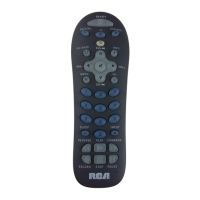
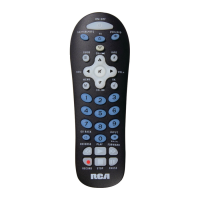
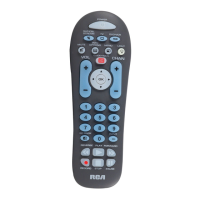
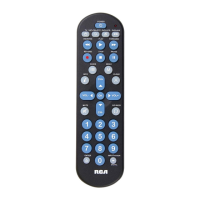
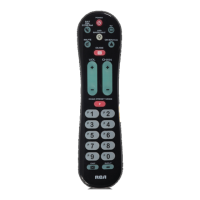
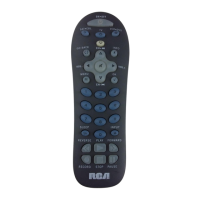
Actual model may vary from picture shown
Transport keys –
REVERSE, PLAY,
FORWARD, RECORD,
STOP and PAUSE keys.




 To Next Page