OSD Menu
13
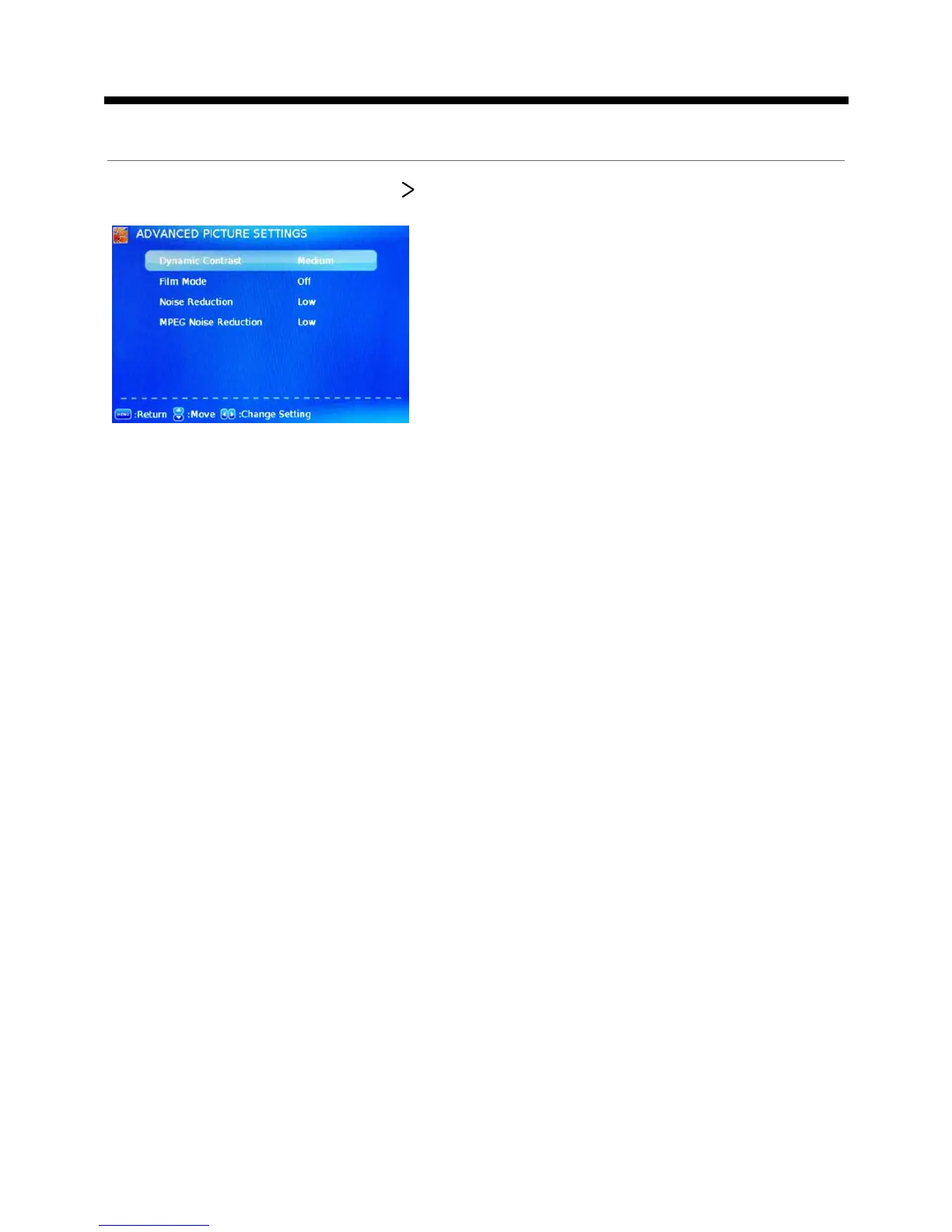
Dynamic Contrast: Select the dynamic contrast mode
between Off, Low, Medium and High.
Film Mode: Activate or deactivate the Film Mode.
Noise Reduction: If the broadcast signal received is
weak, you can select the DNR option to reduce the video
noise level between Off, Low, Medium and High.
MPEG Noise Reduction: Select the MPEG Noise
Reduction option to reduce the picture noise level
between Off, Low, Medium and High.
Advanced Picture Settings: Press button to enter the Advanced Picture Settings.
OSD Menu


 To Next Page