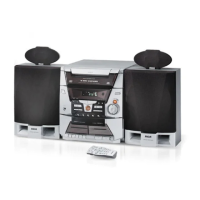
1. Press the OPEN/CLOSE button to open the
CD compartment drawer.
2. Place the CD(s) into the drawer.
3. Press the DISC SELECT button to rotate the drawer
in order to load a CD(s).
4. Press the OPEN/CLOSE button to close the
CD compartment drawer.
PLAYING DISCS
After you get the discs loaded, press the DISC SELECT or the
corresponding DISC (1-5) button to choose the CD you want
to play, and then:
• Press Play/Pause to begin play.
• Press Stop to stop disc play.
Load & Play (At the Same Time
It's okay to open the CD drawer
while a disc is playing in order to
load discs into the front tray
locations.
CD PLAYING TIME
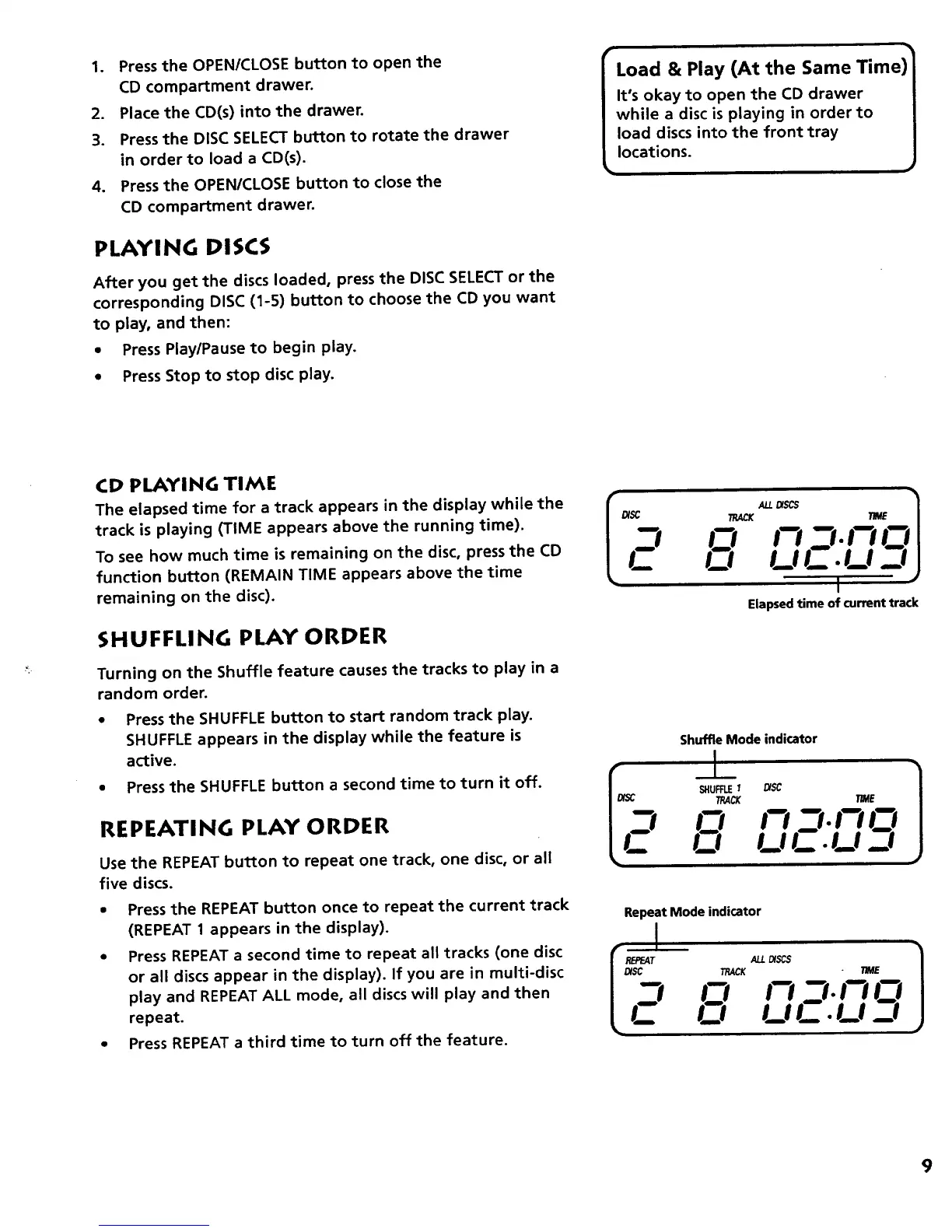
The elapsed time for a track appears in the display while the
track is playing (TIME appears above the running time).
To see how much time is remaining on the disc, press the CD
function button (REMAIN TIME appears above the time
remaining on the disc).
SHUFFLING PLAY ORDER
Turning on the Shuffle feature causes the tracks to play in a
random order.
• Press the SHUFFLE button to start random track play.
SHUFFLE appears in the display while the feature is
active.
• Press the SHUFFLE button a second time to turn it off.
REPEATING PLAY ORDER
Use the REPEAT button to repeat one track, one disc, or all
five discs.
• Pressthe REPEAT button once to repeat the current track
(REPEAT 1 appears in the display).
• Press REPEAT a second time to repeat all tracks (one disc
or all discs appear in the display). If you are in multi-disc
play and REPEAT ALL mode, all discs will play and then
repeat.
• Press REPEAT a third time to turn off the feature.
_SC TRACKALL_SCS ml: TNE 1
-I O !-i - t-IO
L- n
I
Elapsedtimeofcurrenttrack
Shuffle Mode indicator
I " J
tJ U F .LI J
Repeat Mode indicator
TRACKALL_$ . TIME I
J
I_1 t._!1m . !_.I _I
9



 To Next Page