Introduction
1
Key Features Overview
Your TV/VCR is equipped with features that will add to your TV/VCR viewing experience. The
following information summarizes these features. Chapter 3 provides more information about the
rest of the TV/VCR’s features and how to use them.
V-Chip: Parental Controls
Description: You can block programs and movies by content, age-based
ratings, and/or movie ratings.
Requirements:
• Set up the TV GUIDELINES and MPAA menus in the TV/VCR’s main MENU
(Chapter 3 has details).
• The broadcasters must use the rating system when they send the program to
your TV/VCR in order for your TV/VCR to block the program.
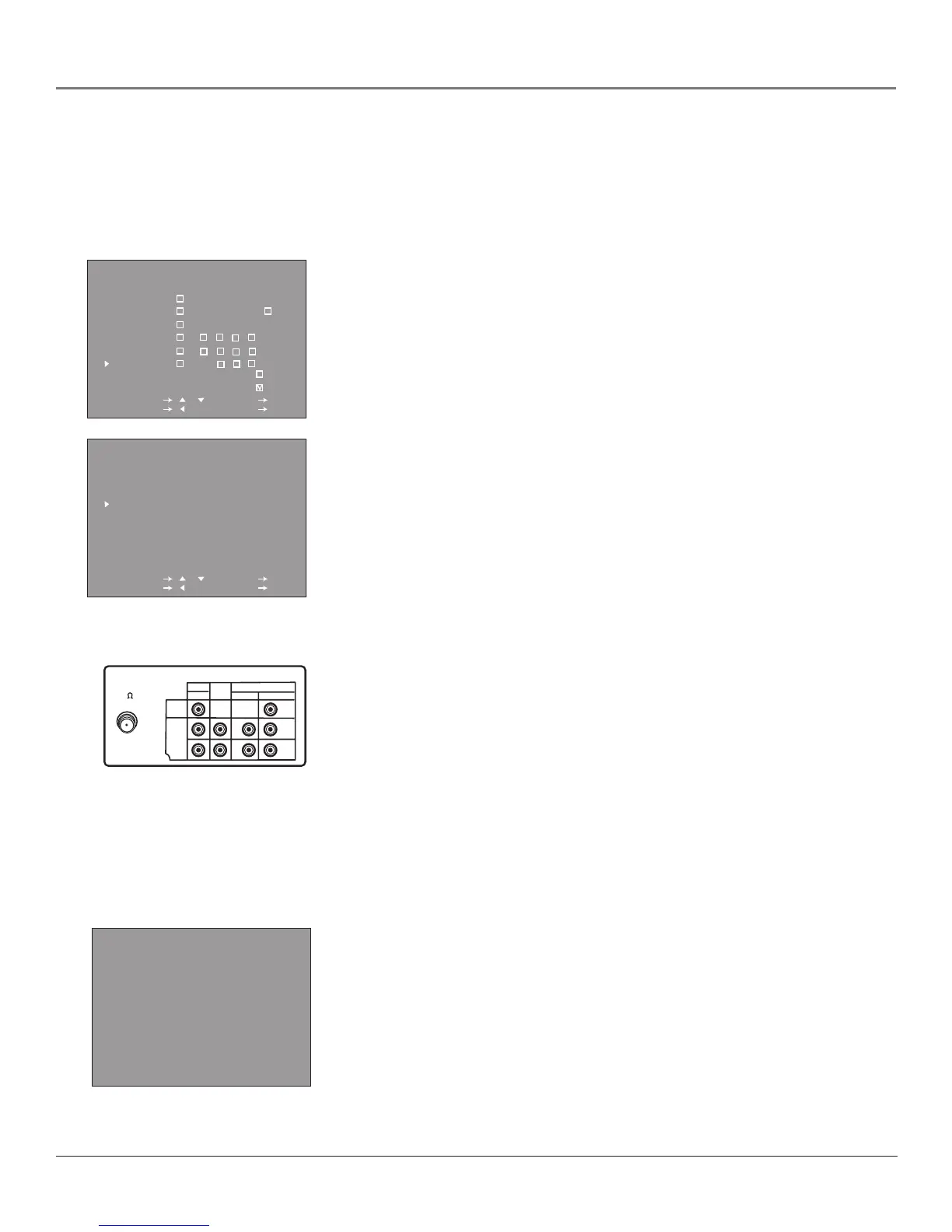
TV GUIDELINES
AGE D L S V FV
TV-Y - - - - -
TV-Y7 - - - -
TV-G - - - - -
TV-PG -
TV-14 -
TV-MA - -
SELECT / : SET OK
PREVIOUS : QUIT MENU
:VIEW
:BLOCK
MPAA
G --
PG --
PG-13 --
R BLOCK
NC-17 BLOCK
X BLOCK
SELECT / : SET OK
PREVIOUS : QUIT MENU
Component Input Jacks
Description: The jacks on the back of your TV/VCR labeled COMPONENT-IN
can be used to connect a component with Component Output jacks (like a DVD
Player). Component video connections provide a higher quality picture because
the video signal is divided into three parts instead of being compressed into
one.
Requirements: A component with Component Output Jacks, and three video
grade cables that you’ll use to connect the component to the TV/VCR.
Index Search
Description: Provides a quicker way to find segments of a program on a
videotape. The details are explained on page 30.
INDX 2
0:30.00 10:00AM OCT.15
VIDEO
LINE IN
ANT/CABLE
75
LINE COMPONENT-IN
IN 1
L
R
L
R
P
R
(C
R
)
P
B
(C
B
)
OUT
AUDIO
AUDIO VIDEO
TV/VCR back panel
Y
This is the back of model T20TF668.
If you have model T27TF668, you’ll
notice the ANT/CABLE jack is on
the right side and has a VIDEO LINE
OUT jack.



 To Next Page