59
Appendix: reference
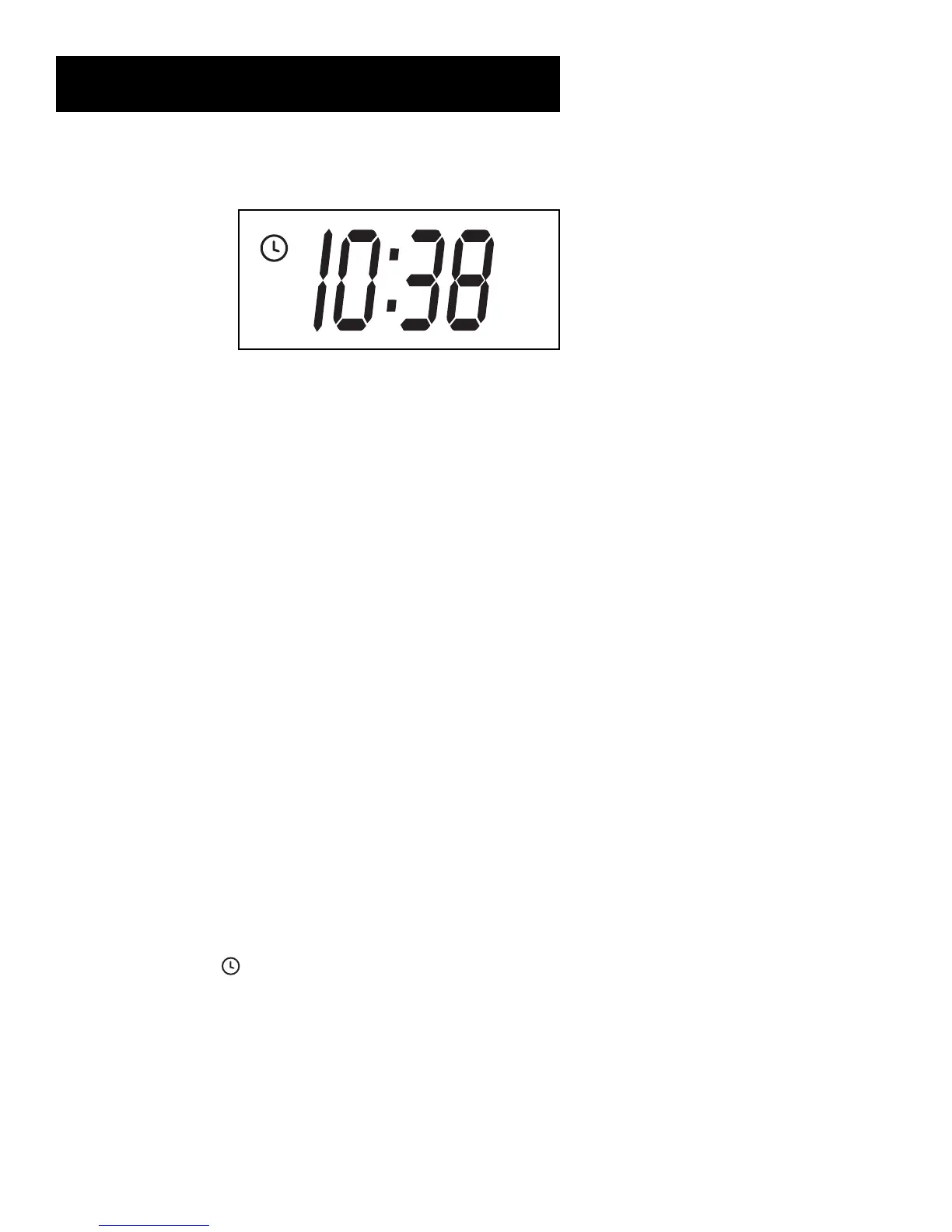
Display Panel
Time, Channel Number, Line Input Indicator (L1 or L2), Tape Speed
Indicator, or Status Indicator
Channel Number or Line Input Indicator The channel number appears when the VCR is tuned
to a channel. The line indicator (L1 or L2) appears when the VCR’s line input is selected. Select L1
to record from the back jacks, L2 to record from the front jacks.
Time The current time appears. Only an AM indicator appears with the time. There is no indicator
for PM.
Status Indicators Show what the VCR is doing.
• EJCT (Eject) Cassette ejected
•FF Fast forwarding
• HI VCR turned on and BYE VCR turned off
• PLAY In playback (flashes during play-pause and slow)
• REC Recording and RECP For record-pause or pause mode
• REW Rewinding
• R0:30 Express recording in progress
• SAFE Pro-Tect Plus feature turned on
• STILL Play-pause
• SCH and SCH – Forward or reverse search
• SP and SLP Tape speed
• STOP Tape is stopped
Timer Indicator ( ) Lights during an express or timer recording or when the VCR is set for a
timer recording and turned off. Flashes when a timer recording is set and there is no tape in the
VCR.
VCR Indicator (Applies only if the VCR Viewing Channel is 3 or 4). Press the TV•VCR button to
turn on or off.
• VCR
indicator on: Picture from VCR.
• VCR indicator off: Picture from TV channel.
AM
VCR


 To Next Page