3
Read before use
VIKLUND
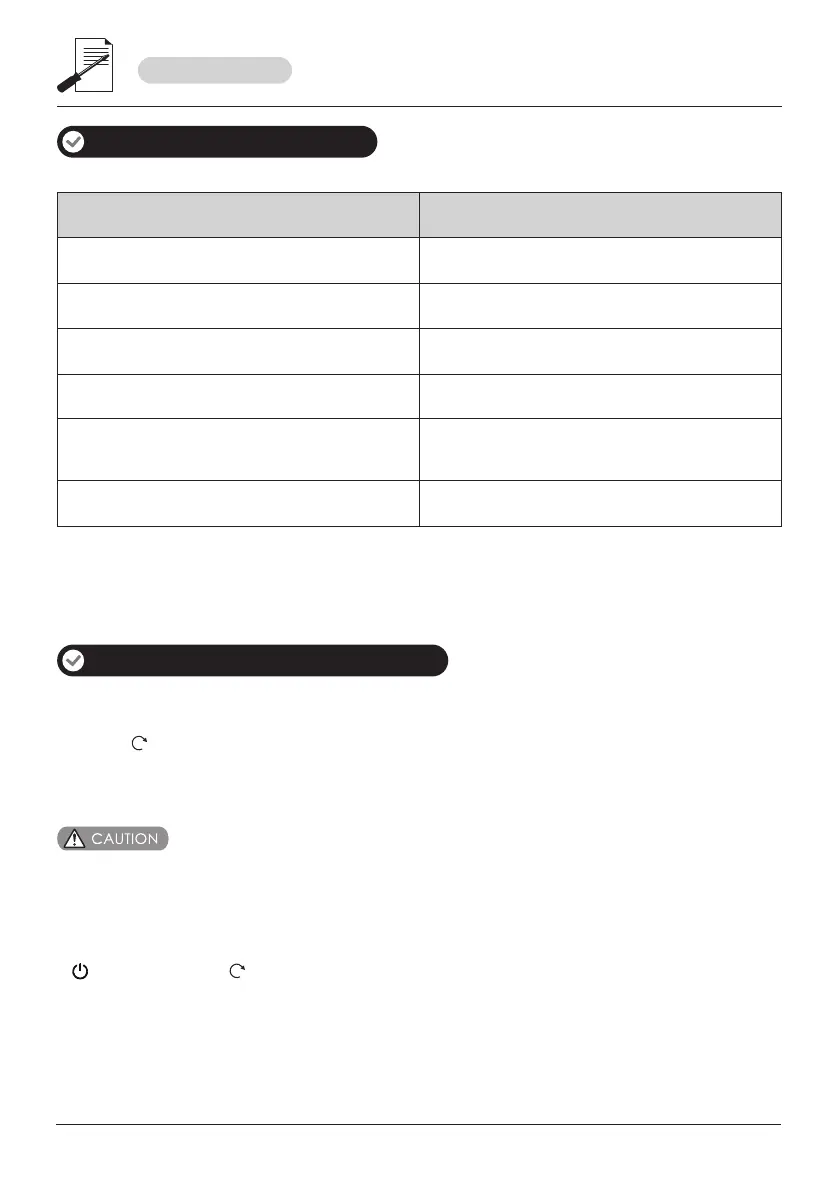
Factory default settings
How to access to menu setting
1. Pull up the slide cover or touch the keypad to activate lock.
2. Press “ ”.
3. Enter master fingerprint / password.
*Important: First step is to set your own master identification after the installation of the lock.
Settings
Master identification
Opening mode setting
Speaker
Wrong identification entry limit
System language
Factory defaults
Any fingerprint and password
Turned on
Enabled
6 times for password
12 times for fingerprint
English
Break in alert
Single Verification
1. You can follow menu setting shown n display screen to complete the setting.
2. Default master identification is any fingerprint, any password. Please modify it after installation.
3. After access into menu setting, input key “5” for rolling up, “8” for rolling down.
“ ” is enter key and “ ” is return / escape key.



 To Next Page