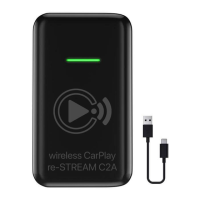
ENgLiSh
Update successfulSolid red & blue light
Solid red light In active mode
TAKING CARE OF YOUR C2A
LED light/indicator Status
UPDATING RE-STREAM C2A
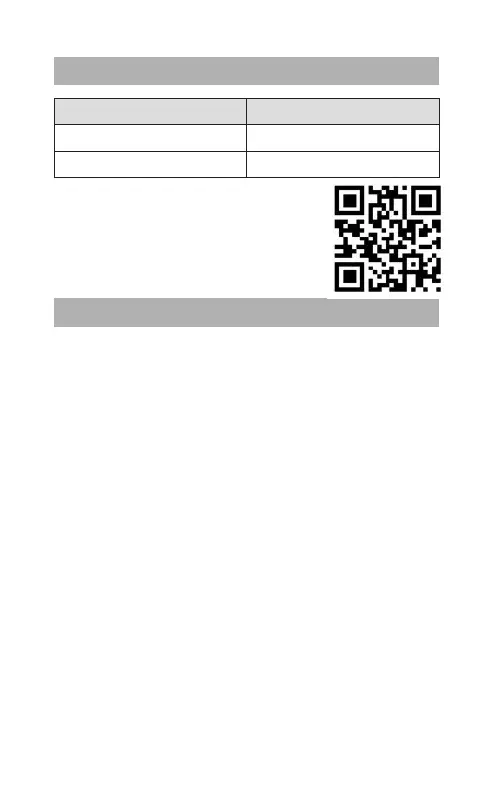
• Scan the QR-code with iPhone camera
or navigate to 192.168.50.2 and follow on-
screen instructions.
• Disconnect iPhone from C2A by disabling
bluetooth on iPhone and restart C2A.
• Connect iPhone to C2A Wifi network with
passcode 12345678.
• Always store the re-STREAM C2A with power off and safely
protected.
• Avoid storage at extreme temperatures (above 45°C –
including direct sunlight – or below -10°C). This may affect
operation.
• Do not expose re-STREAM C2A to rain or any other liquids.


 To Next Page
 Loading...