4
Step One: Plug the adapter into a power source. You can
use a household outlet or a USB port (like on a PC, Iaptop,
a USB wall outlet or a car USB outlet).
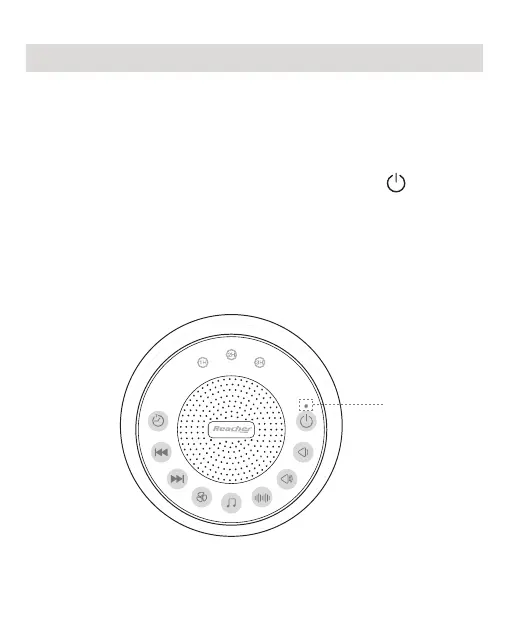
Step Two: Turn your R2+ on by pressing the “ ” button.
The orange LED will light up, indicating your Glows is on.
Setting It Up
R2+ is on


 To Next Page