5
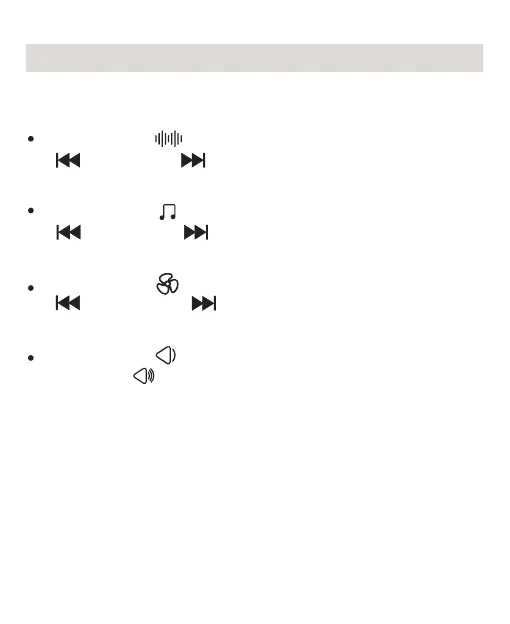
Pressing the “ ”button will play white noise. Press
“ ” button or “ ” button to cycle to the previous or
next white noise. There are 7 white noises.
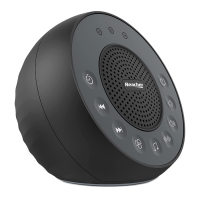
There are 3 sounds categories: White Noises, Nature
Sounds and Fan Sounds.
Pressing the “ ”button will play nature sound. Press
“ ” button or “ ” button to cycle to the previous or
next nature sound. There are 17 nature sounds.
Pressing the “ ”button will play fan sound. Press
“ ” button or “ ” button to cycle to the previous
or next fan sound. There are 7 fan sounds.
Pressing the “ ” button to decrease the volume.
Press the “ ” button to increase the volume. There
are 15 levels volume, from mute to the maximum volume.
Picking Your Sounds


 To Next Page