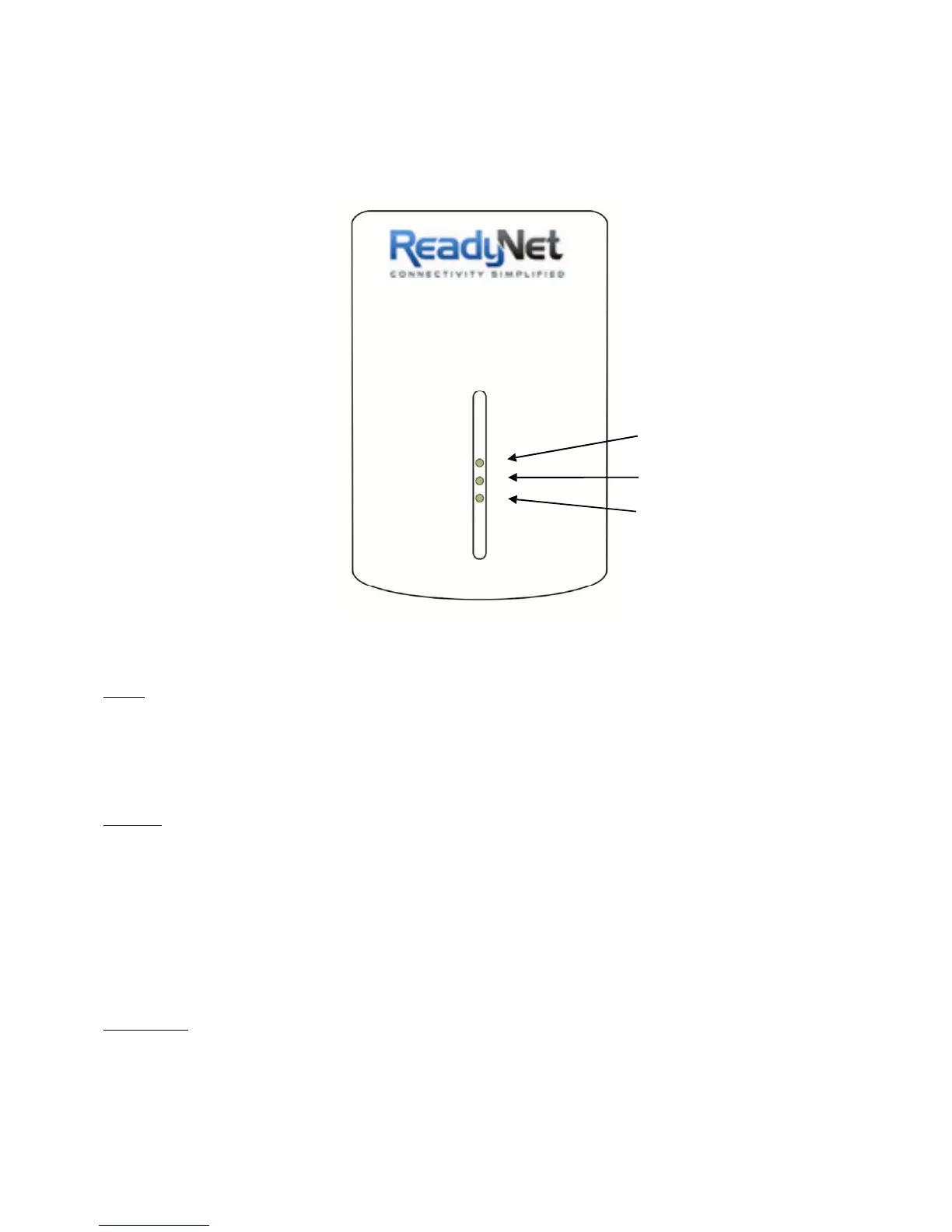
1.3 Casing Details
Front Casing
The front casing contains 3 status lights: Power, PLC Link, and Ethernet Link.
Power Light
PLC Link Light
Ethernet Link Light
Status Lights
Power
On: This HomePlug Ethernet Adapter is receiving electrical power
Off: Power off
Flashing Green: Device in standby mode
PLC Link
The PLC (Powerline) Link light will indicate the overall speed of your network with 3 colors:
Red: Minimum connection indicates weak signal and slower network speed: less than 50Mbps
Orange: Normal signal with standard network speed: 50-100Mbps
Green: Excellent signal with optimal network speed: 100Mbps+
Off: No activity. This HomePlug Ethernet Adapter is not
connected
Ethernet Link
Solid Green: 10/100 Mbps port linked
Blinking: 10/100 Mbps port transmitting or receiving
Off: Ethernet Link not active



 To Next Page