Page2/21 Real Ton Technologies Co.,Ltd.
1.2.2 Calling the Operator
There are two ways to call the operator depending on the dialing scheme set by your administrator.
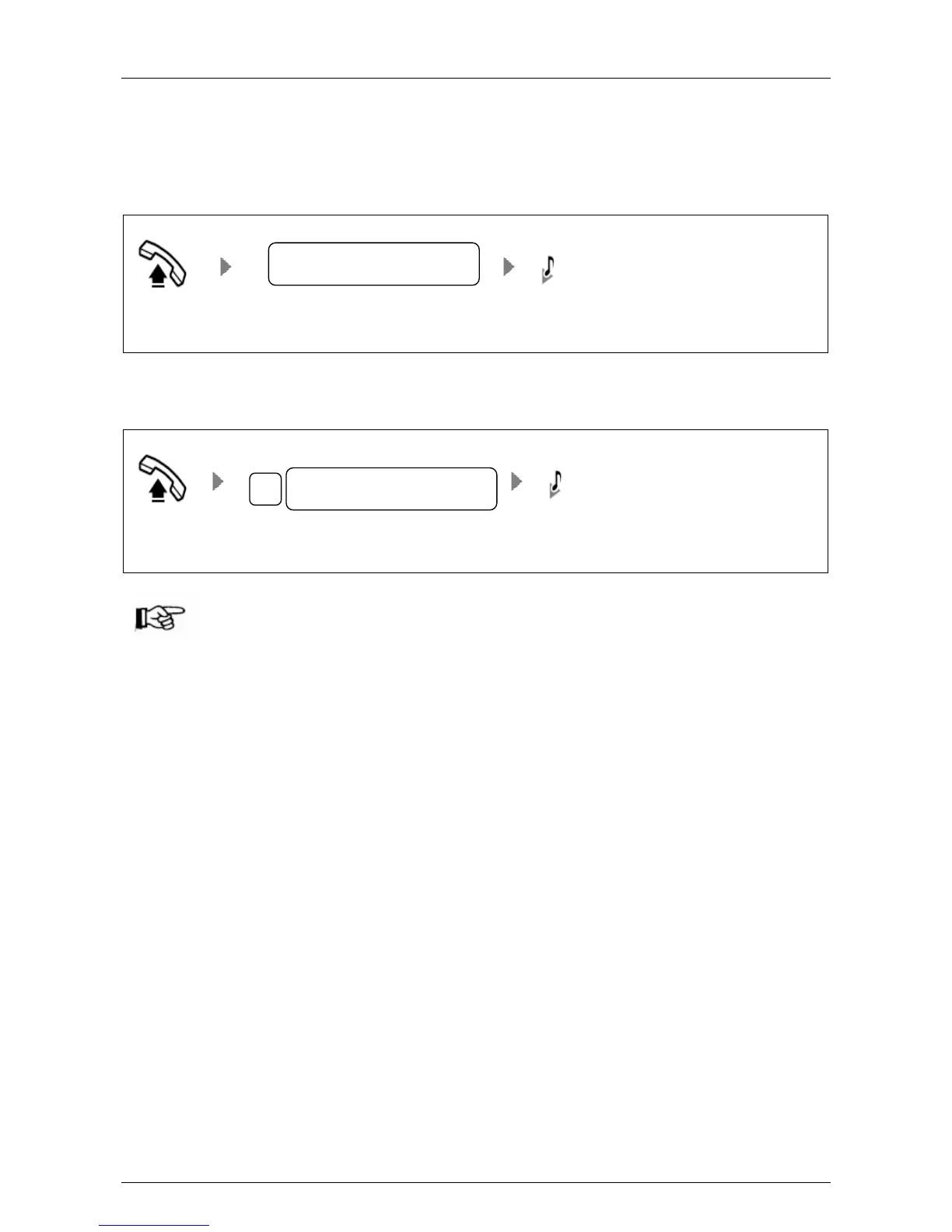
Direct Dialing: press 0 or dial operator’s extension number.
Figure 1-4 Direct dialing
Off-hook Press 0 or operator’s extension number Hear ring back tone
Dialing with a prefix: press * and dial 0 or operator’s extension number.
Figure 1-5 Dialing with a prefix
Off-hook Press *0 or *operator’s extension number Hear ring back tone
l “0” is the default prefix for dialing operator, and it can be changed by your administrator.



 To Next Page