
 Need help?
Do you have a question about the Realistic Weatheradio Timekube and is the answer not in the manual?
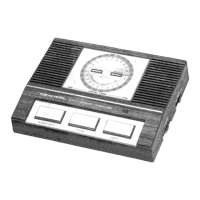
Buttons for activating weather, time signals, and powering off the device.
Instructions for receiving time broadcasts from the National Bureau of Standards.
Advice on protecting the device from moisture.
Guidance on avoiding high temperatures for device longevity.
Warning against physical impact and damage to internal components.
 General
| Brand | Realistic |
|---|---|
| Model | Weatheradio Timekube |
| Category | Weather Radio |
| SAME | Yes |
| Alarm Feature | Yes |
| Clock | Yes |
| Power Source | AC/DC (AC adapter and battery backup) |

 To Next Page