14
CHANGING APEX ACCESSORIES
Apex Accessories are only available for Versa Tripods. Your tripod head must
first be removed from the Mounting Stud.
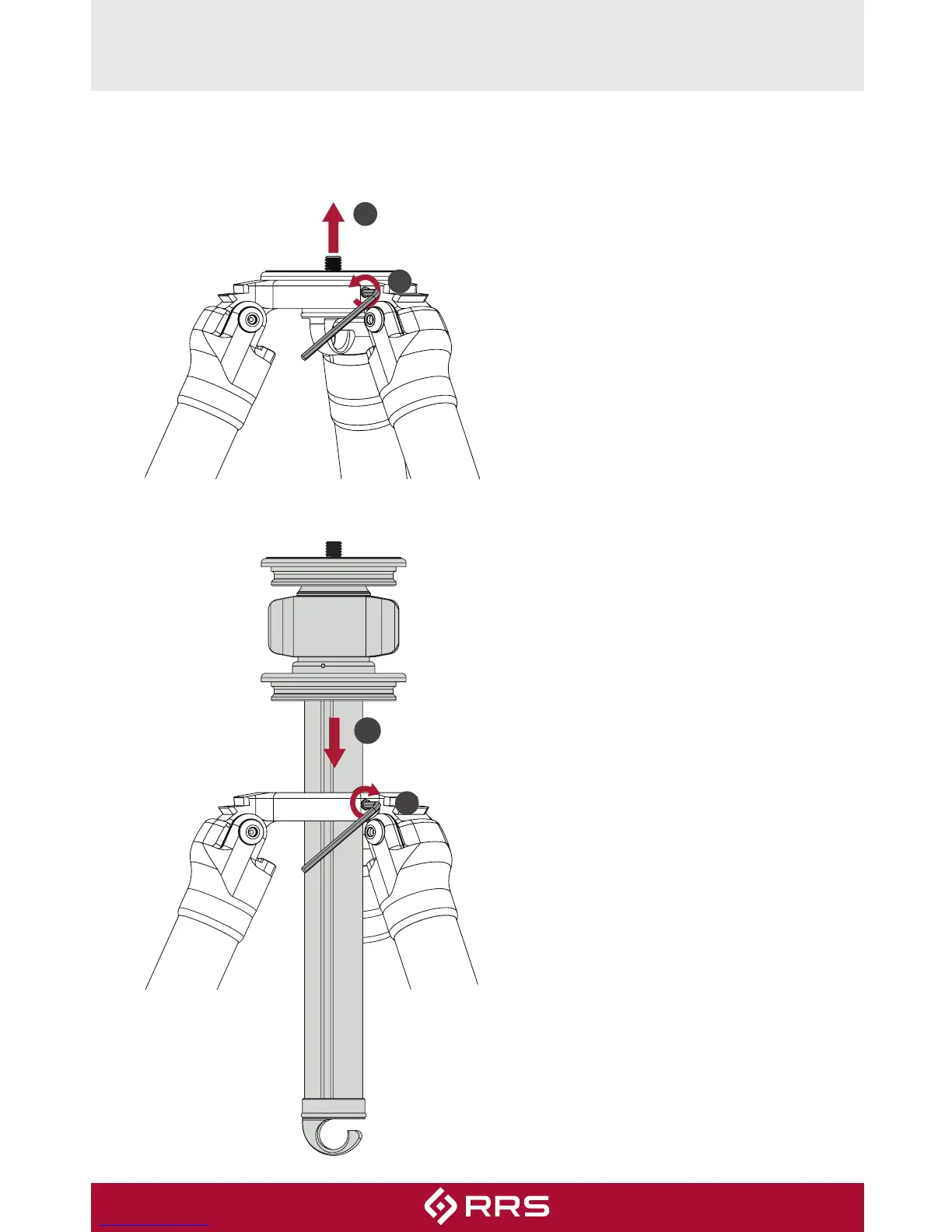
1. Use
1
⁄
8
” hex key to loosen all
three SureGrip™ set screws
around Apex. Two rotations
are suicient, complete
removal is not required.
2. Remove Apex platform or
other accessory by pushing it
upward.
3. Insert compatible accessory.
NOTE: Although Gitzo
®
Systematic accessories will fit
Versa Series 3 tripods, SureGrip™
functionality is only compatible
with Really Right Stu brand
accessories.
4. Tighten all three SureGrip™ set
screws.
2
1
4
3


 To Next Page