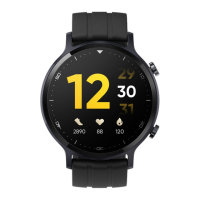
4) Display Control
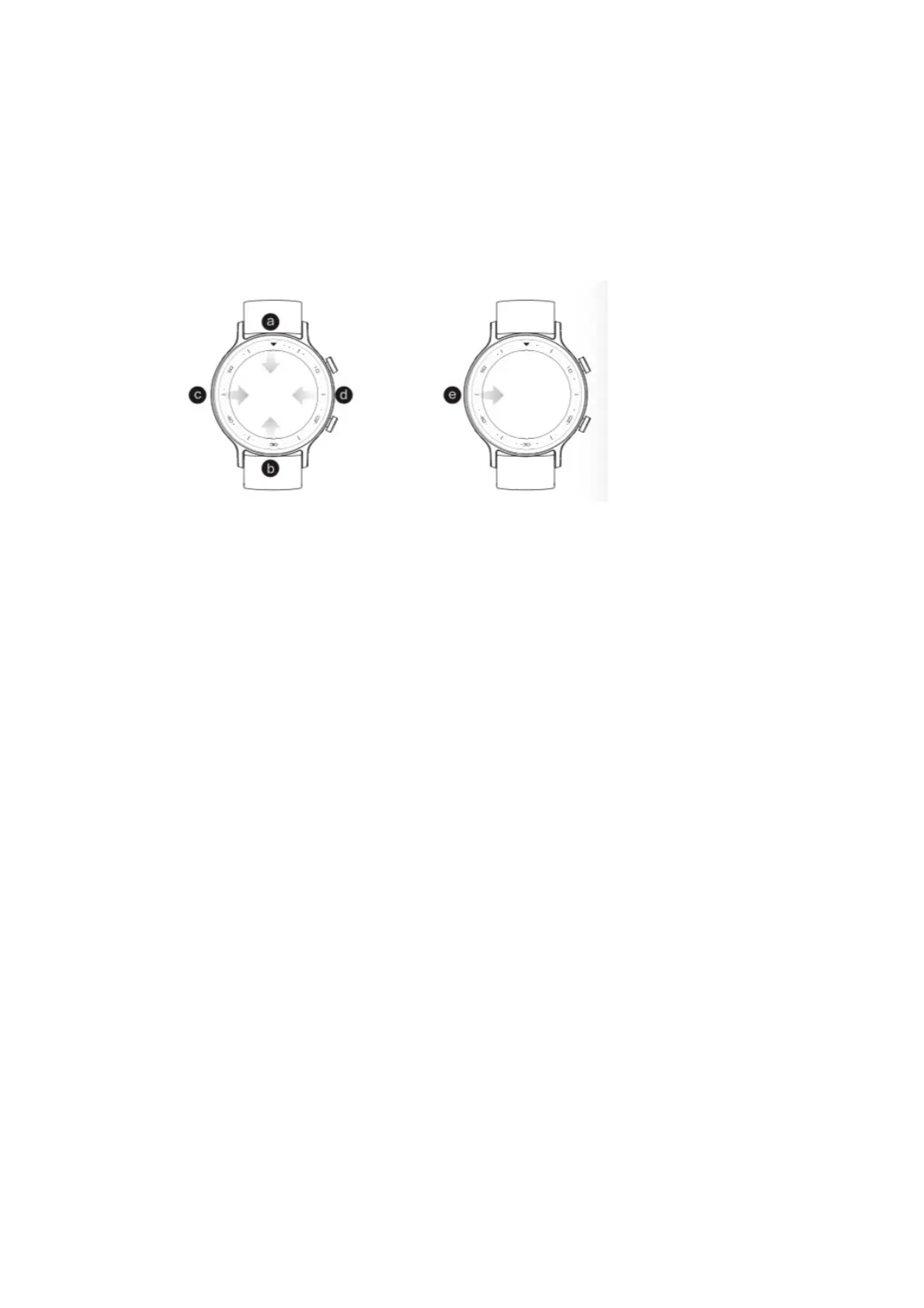
The watch adopts a 1.75-inch TFT color display with 320*385 pixel, which
supports full-screen touch, sliding upward, down, left and right, point touch and
long press operation.
! Slide downwards on the dial interface, the message notification list will be
opened, and operate in the reverse direction to return;
! Slide upwards on the dial interface, the function list will be opened, and
operate in the reverse direction to return;
! Slide rightwards on the dial interface, the shortcut settings list will be opened,
and operate in the reverse direction to return;
! Slide leftwards on the dial interface to switch to other primary interfaces, and
slide left or right to switch the primary interfaces;
! Slide to the right on the non-dial interface, the Watch will return to the
previous interface;
! Long press the dial interface, the Watch will enter the dial switching interface.
5) Button Control
1 Power button
! When the display is off, short press it to brighten the display
! In the dial interface, short press it to display off
! In the non-watch face, short press it to return to previous interface
! During your exercise, short press it to pause/resume the exercise
! In the dail interface, long press it to enter the restart/power-off interface
! In any mode, long press it for more than 10 seconds to force restart


 To Next Page