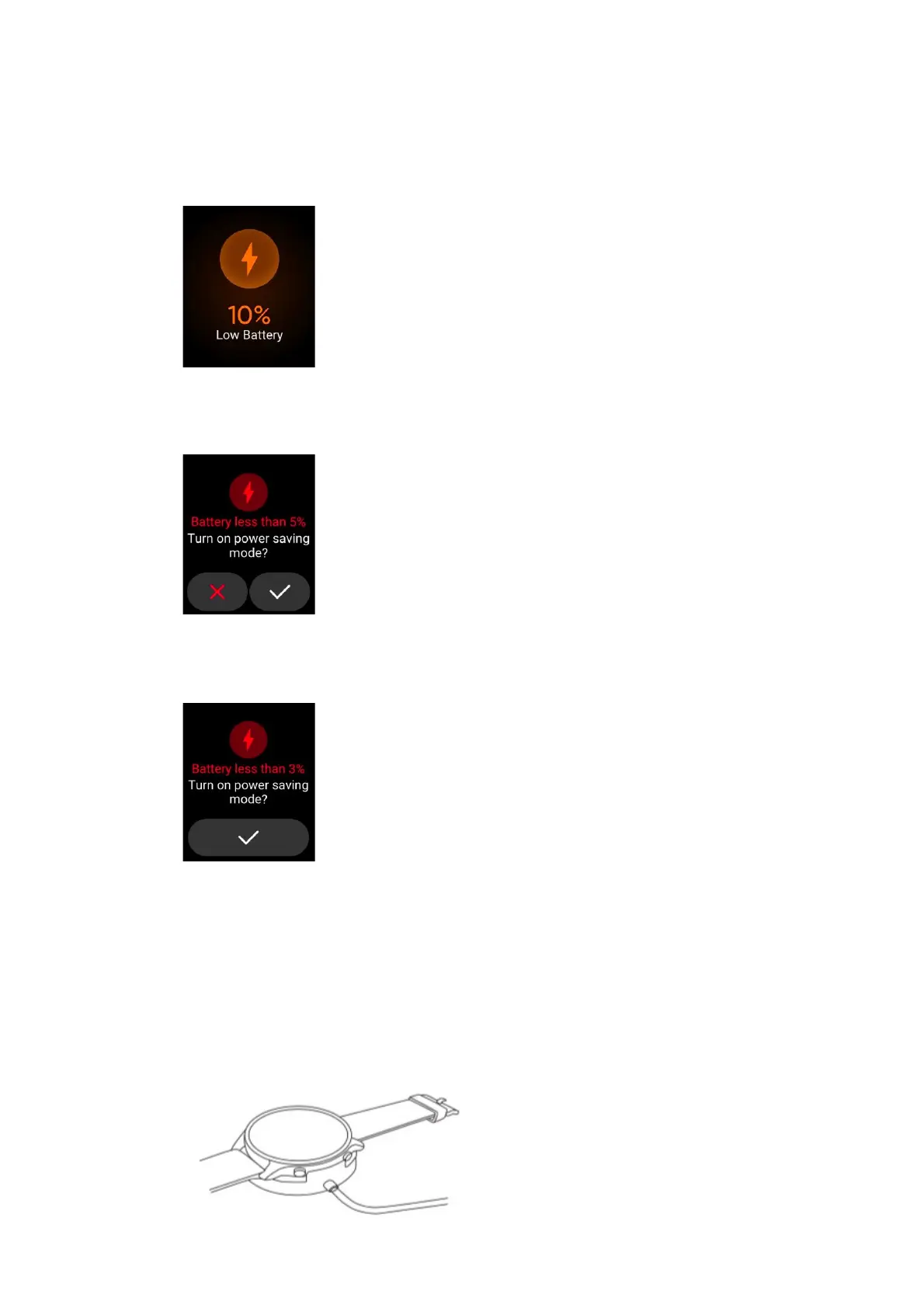
6) Low Battery
A. When the power of the Watch is equal or less than 10%, the single vibration
pop-up window will display:
B. When the power of the Watch is equal or less than 5%, the single vibration
pop-up window will display:
C. When the power of the Watch is equal or less than 3%, the single vibration
pop-up window will display and the Watch will power off.
7) Charging
A. Place the Watch on the charging base, so that the charging contact piece on
the back of the Watch is completely attached to the metal contact on the
charging base;
B. Connect the charging base to the standard USB charger with the output
voltage of 5V and output current of 0.5A and above, which must be purchased
for formal channels.


 To Next Page