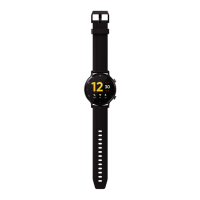
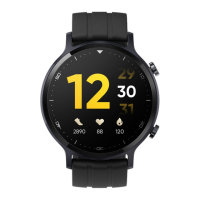
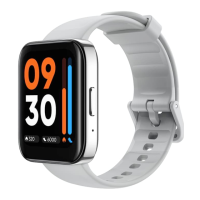
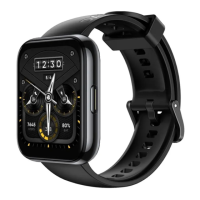
b. Open the realme Link APP, register an account and log in, and follow the pop-up prompts to
enable App- related permissions. click home - > Add device- > Select manual pairing device
below the scanning interface- > Click realme Watch S2 , the App automatically searches for
the Bluetooth device name of the watch and lists it. Click the Bluetooth name of the watch to
pop up a pairing request and confirm it. Set according to the prompts until the pairing is
completed.
Description
⚫ AFTER SUCCESSFUL PAIRING, THE WATCH DISPLAYS THE PAIRING SUCCESS SCREEN
AND SYNCHRONIZES MOBILE PHONE RELATED INFORMATION (DATE, NOTIFICATIONS,
ETC.).
⚫ AFTER PAIRING FAILS, THE WATCH DISPLAYS THE PAIRING FAILURE SCREEN AND
RETURNS TO THE BINDING PAGE.
⚫ A WATCH CAN ONLY BE CONNECTED TO ONE MOBILE PHONE AT THE SAME TIME. IF
YOU NEED TO CONNECT TO OTHER MOBILE PHONES, PLEASE FIRST GO TO realme
Link APP -> HOME -> CLICK ON THE DEVICE -> CLICK ON DELETE THE DEVICE .
1.4 Power on/off/Restart
Power on
⚫ In the power off state, long press the button to turn it on.
⚫ In the power off state, when the charger is connected to be charged, the watch will be
powered on automatically.
Power off
⚫ In the power on state, long press the button to display the power off/Restart option interface,
click on "Power off".
⚫ In the power on state, click on the button to go to the "Application List" interface and select
"Settings -> System -> Power off".
⚫ The watch will power off automatically when the battery is extremely low.


 To Next Page