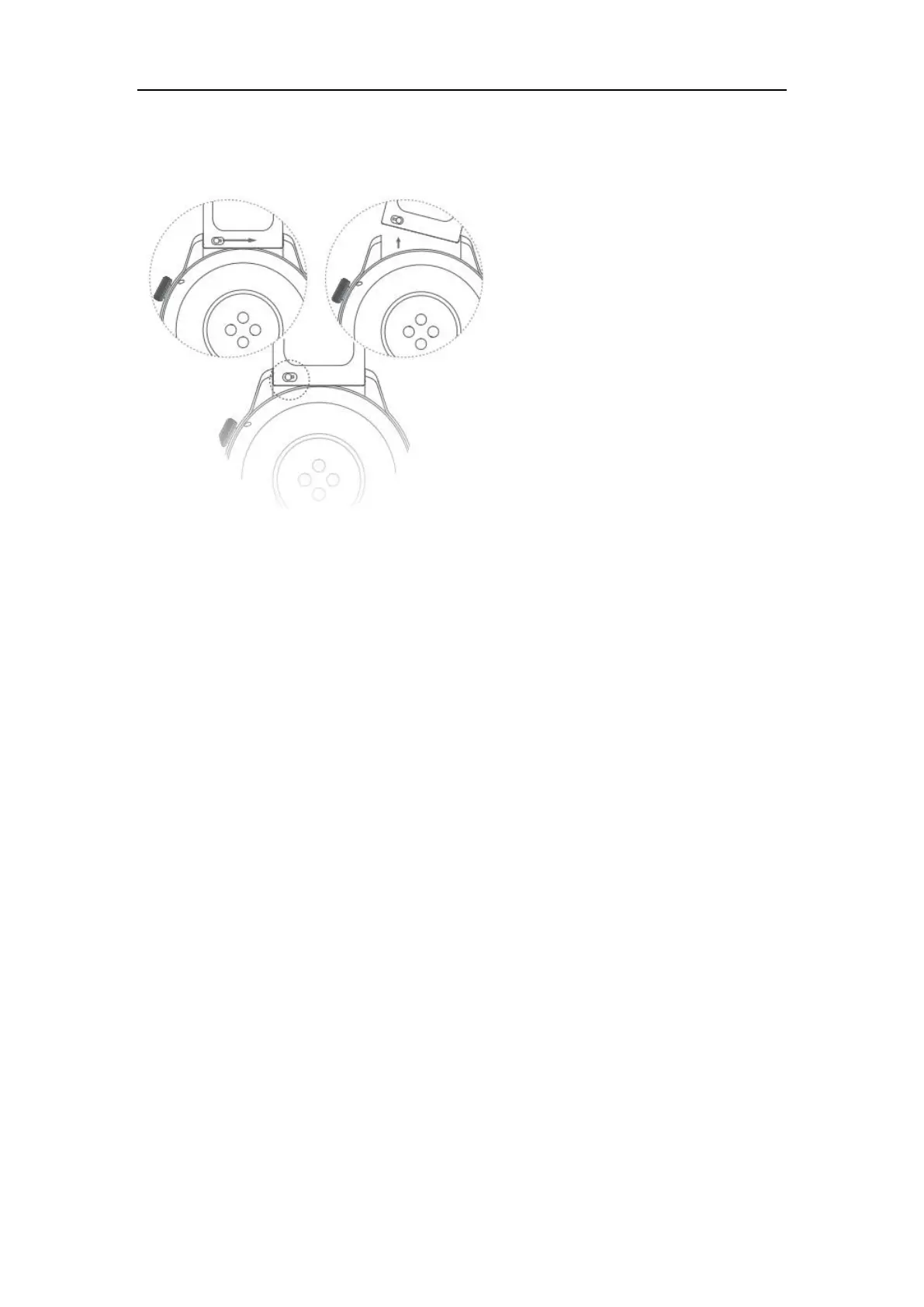
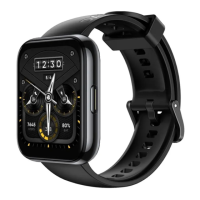
1.2 Changing the watch strap
1.3 Connecting the watch to the mobile phone
When it is used for the first time, please charge it until the watch vibrates and the logo appears
to before power is on. After clicking to select the corresponding language, skip to the pairing
interface and follow the watch prompts to proceed with the pairing process.
⚫ User scans the QR code for pairing:
a. From the software store, search “realme Link”, download and install the realme Link APP, or
update the existing realme Link APP on your phone to the latest version;
b. Activate the realme Link APP, register an account and log in, and enable the APP-related
permissions based on the pop-up prompts. Click on Home -> Add devices -> Scan the QR
code on the watch interface -> The phone will pop up a pairing prompt and confirm the
pairing -> Set according to the prompts until the pairing is completed.
⚫ Manual pairing by the user
a. Swipe up on the watch pairing interface to go to the manual pairing interface;


 To Next Page