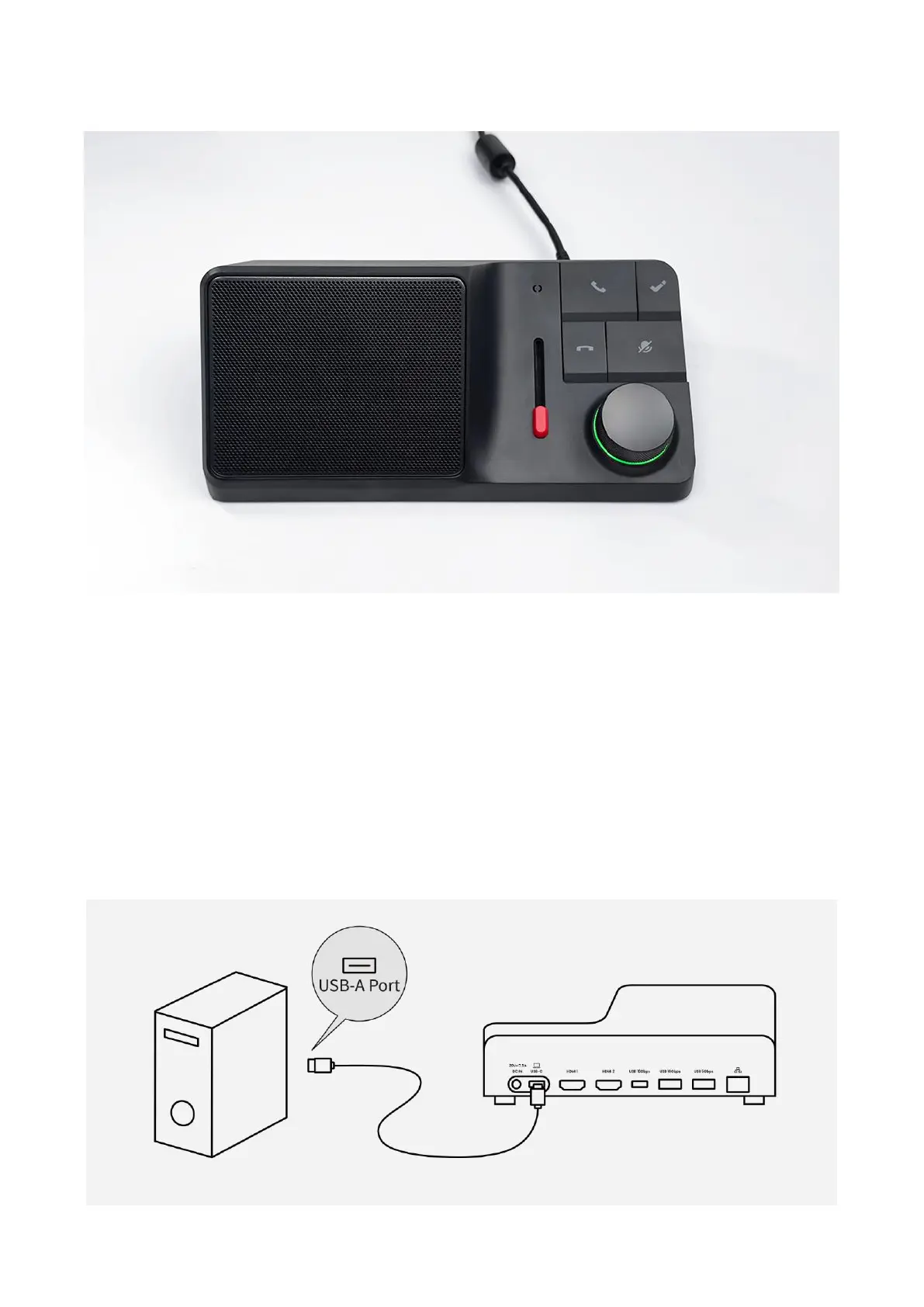
#1 As illustrated below, please first check if the LED is GREEN when you power on HiDock H1 or H1E.
If you didn't see the GREEN light, the power adaptor was probably defective. Please email us for
further support.
After the GREEN light, let's go check your computer model.
#2 If you are using a desktop computer, please use the HiDock USB A-C cable to connect (as
illustrated below). This also applies to other docking stations, KVM devices, gaming laptops.
Note: If you are using HiDock H1E, please use HiDock USB C-C cable.



 To Next Page