 Need help?
Do you have a question about the RealWear Navigator 500 and is the answer not in the manual?
 General
| Display Type | LCD |
|---|---|
| Battery Life | 8 hours |
| Ingress Protection | IP66 |
| Voice Control | Yes |
| Resolution | 1280 x 720 |
| Field of View (FoV) | 20° |
| Processor | Qualcomm Snapdragon |
| Operating System | Android |
| Connectivity | Wi-Fi, Bluetooth |
| Audio | Noise-cancelling microphones |
| Drop Resistance | 2 meters |
| Durability | Military Standard (MIL-STD-810G) |
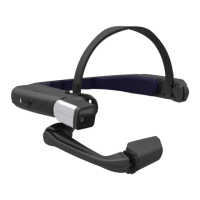
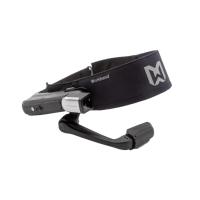
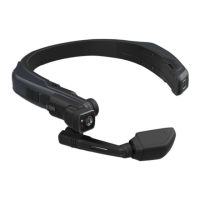
Provides an overview of the RealWear Navigator device components and their locations.
Details the power button and its fingerprint sensor function for device operations.
Explains the function of the Action Button for navigation and toggling microphone arrays.
Details the rechargeable battery requirement and charge status indicators.
Summarizes the key features of the RealWear Navigator, including hands-free operation and ruggedness.
Provides detailed technical specifications for the device, including OS, chipset, memory, and ports.
Explains how devices are managed via EMM systems and Android Enterprise standards.
Details the process of setting up a Personal Identification Number (PIN) for screen lock.
Explains how to set up both a PIN and fingerprint for enhanced device security.
Details the process for downloading and installing Over-the-Air (OTA) firmware updates.
Introduction to WearHF™ voice control for hands-free device operation.
Explains the 'Say What You See' feature for intuitive voice command interaction.
Details voice commands to access power management options.
Instructions for turning off the device manually or using hands-free commands.
Provides instructions for rebooting the device manually or hands-free.
Accesses device power options: power down, reboot, and sleep.
Configures device security options like screen lock and encryption.
Important warnings about health effects and safe operation of the device.
Guidelines for safe battery usage, charging, and performance.
Safety precautions for using the device charger correctly and avoiding electrical shock.
 To Next Page