EasyManua.ls Logo

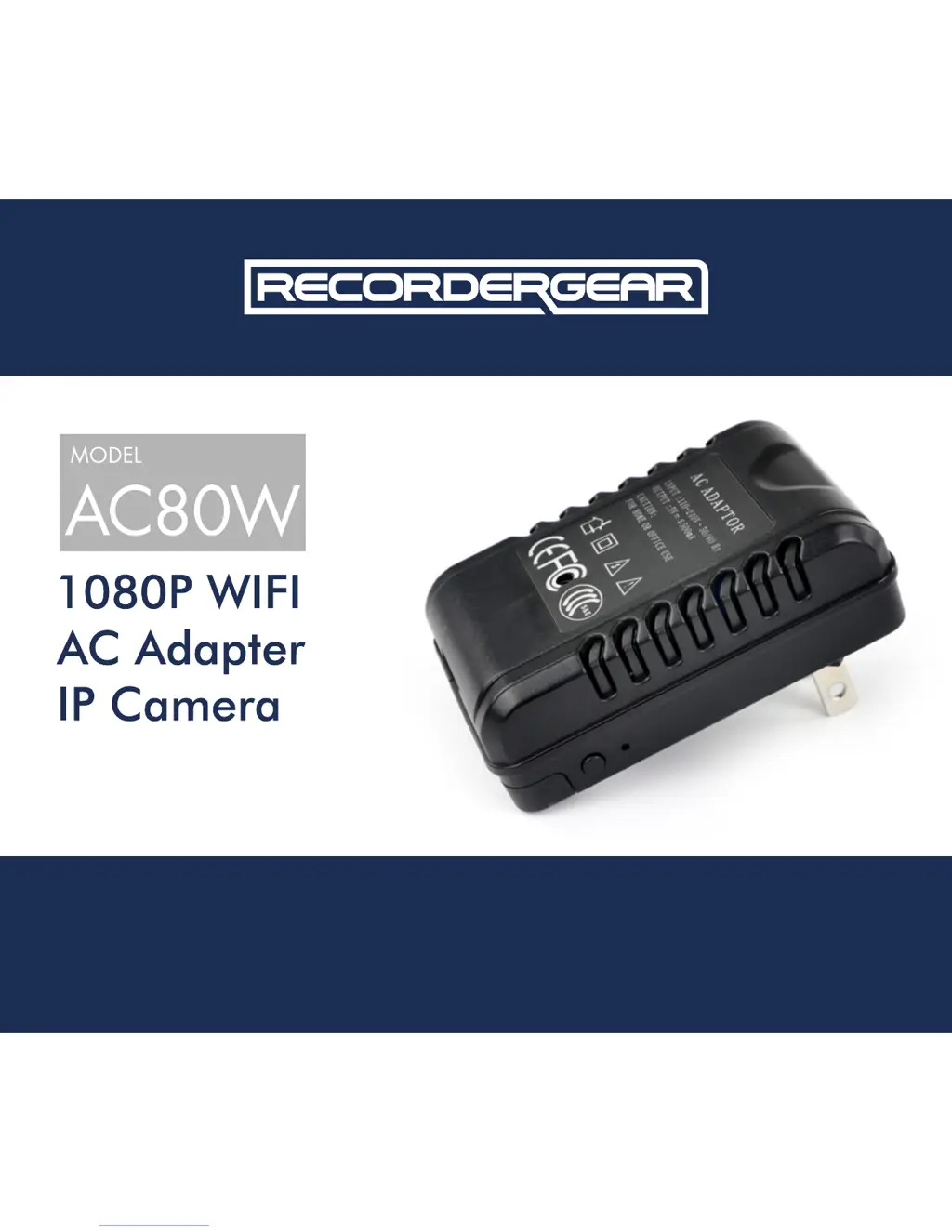
RecorderGear AC80W - User Manual

RecorderGear AC80W
32 pages
Print Icon
To Next Page IconTo Next Page
Loading...
www.recordergear.com
RecorderGear™ and respective logos are trademarks of
Teton Webstores LLC ©2017 ALL RIGHTS RESERVED
USER MANUAL

Questions and Answers

  • S
    Stephen WileyAug 2, 2025
    What to do if RecorderGear AC80W IP Camera online streaming is not working?
    • T
      Tamara OliverAug 2, 2025
      If you're experiencing online streaming issues with your RecorderGear IP Camera, try reconnecting the camera. You can also try closing and restarting the app you're using to view the stream.
  • R
    Robert BrownAug 15, 2025
    How to fix RecorderGear AC80W IP Camera Wi-Fi signal issue?
    • H
      huntanthonyAug 15, 2025
      If you're having Wi-Fi signal issues with your RecorderGear IP Camera, try resetting it. Press and hold the reset button for about 6 seconds to do this.

Summary

Getting Started with AC80 W Camera

Powering the AC80 W Camera On and Off

Video Recording Modes

Download and Install Pro iCam App

Connect Mobile Device to AC80 W Wi-Fi

Connect AC80 W to Home;Business Wi-Fi

Connect via APP

Guide to linking the AC80W Wi-Fi to your home/business Wi-Fi using the Pro iCam application.

Understanding the Pro iCam APP

AC80 W Live Video Mode; Settings

Device Settings Configuration

Troubleshooting Common Issues

Online Streaming Issues

Solutions for problems with live online streaming, including reconnecting the camera.

Wi-Fi Connectivity Issues

Steps to resolve issues with finding or connecting to the AC80W Wi-Fi signal.

Rebooting the Device

Explains the reboot process and its effect on device settings, resolving various issues.

RecorderGear AC80W Specifications

General IconGeneral
Motion DetectionYes
Two-Way AudioYes
IR Night VisionYes
StorageMicro SD card, up to 128GB
Wi-Fi2.4GHz
App SupportYes (iOS & Android)
ConnectivityWi-Fi
Resolution1920x1080 (Full HD)