13
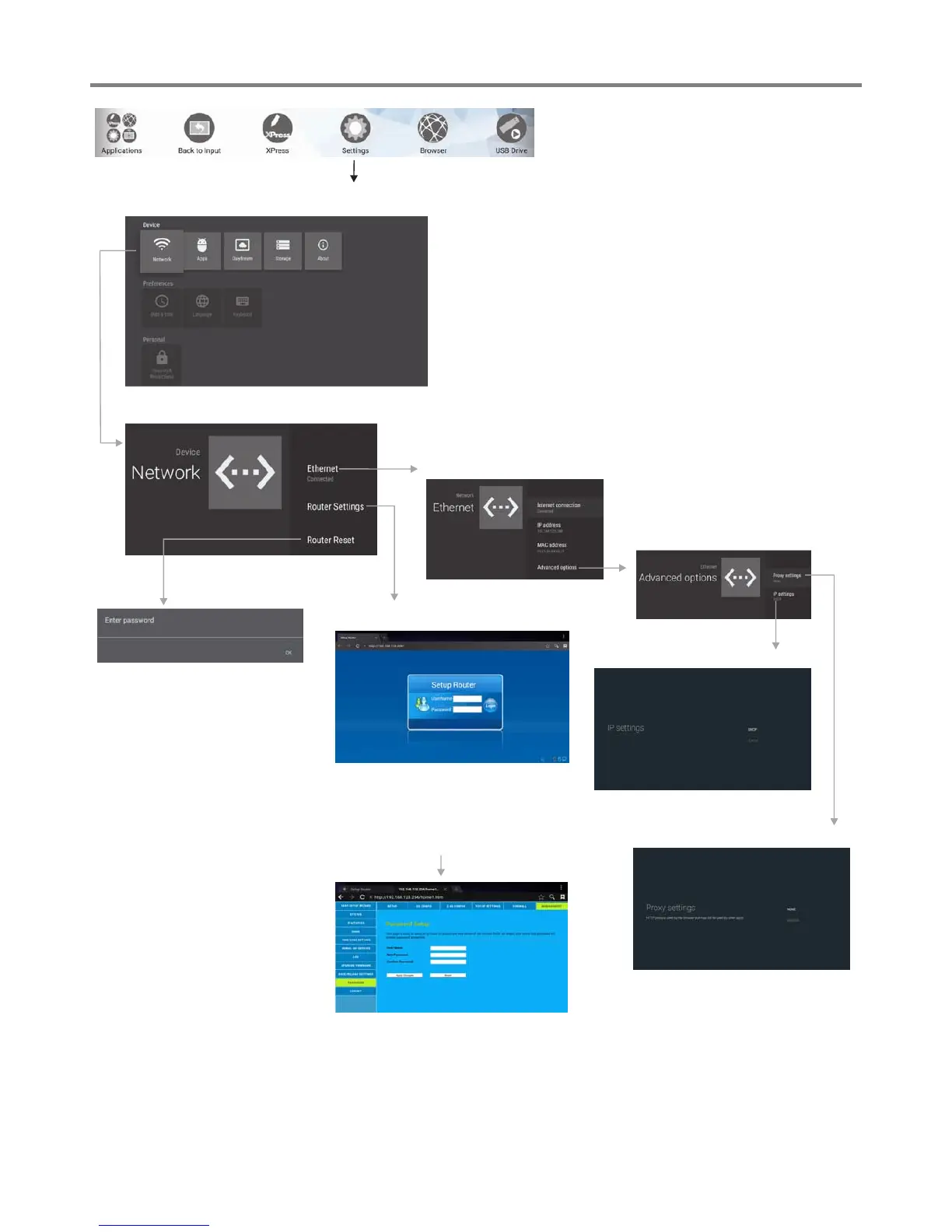
Network Settings
Change the UserName and Password:
Select MANAGEMENT, then
PASSWORD.
Input the default UserName:
admin, skip the default password
setting as there is no default
password, then press Login button
login.
IP settings
Proxy settings
Internal routing setting
Reset Internal Router by
hardware. Password is
required for this operation
and is the same password to
access Lock menu.
Ethernet setting



 To Next Page