15
Troubleshooting
Symptom Cause Action
Robot leaves boundary area or Wheels are obstructed. Remove debris from mowing area
stops beyond boundary line. and/or clean robot’s wheels.
Grass is wet and/or slope is Reroute boundary wire to avoid
too close to boundary edge. slope. Do not operate in wet
conditions.
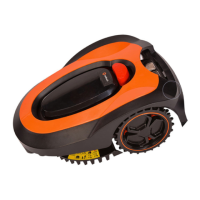
First Robot Mower Use
Symptom Cause Action
Excessive vibration and noise. Cutting system unbalanced; Turn power off and reverse or
blades are dull. replace all three blades.
Blade disc is damaged. Replace blade disc.
Disc retaining screws loose. Tighten screws securely.
Working time between charges Charging contacts are dirty. Clean charging contacts on the
decreases. robot and the docking station.
Brush lightly with steel wool.
Battery capacity diminished. Replace battery.
Robot does not leave docking Rain sensor is still activated. Dry and clean metal contacts.
station after rain sensor is activated. Then restart robot mower.
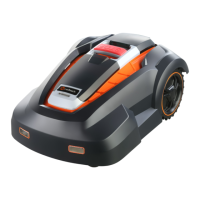
Normal Robot Mower Use


 To Next Page