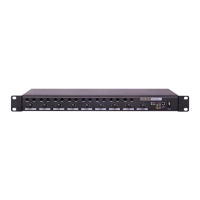
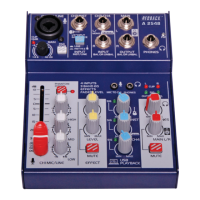
Figure 2.
Connection Details
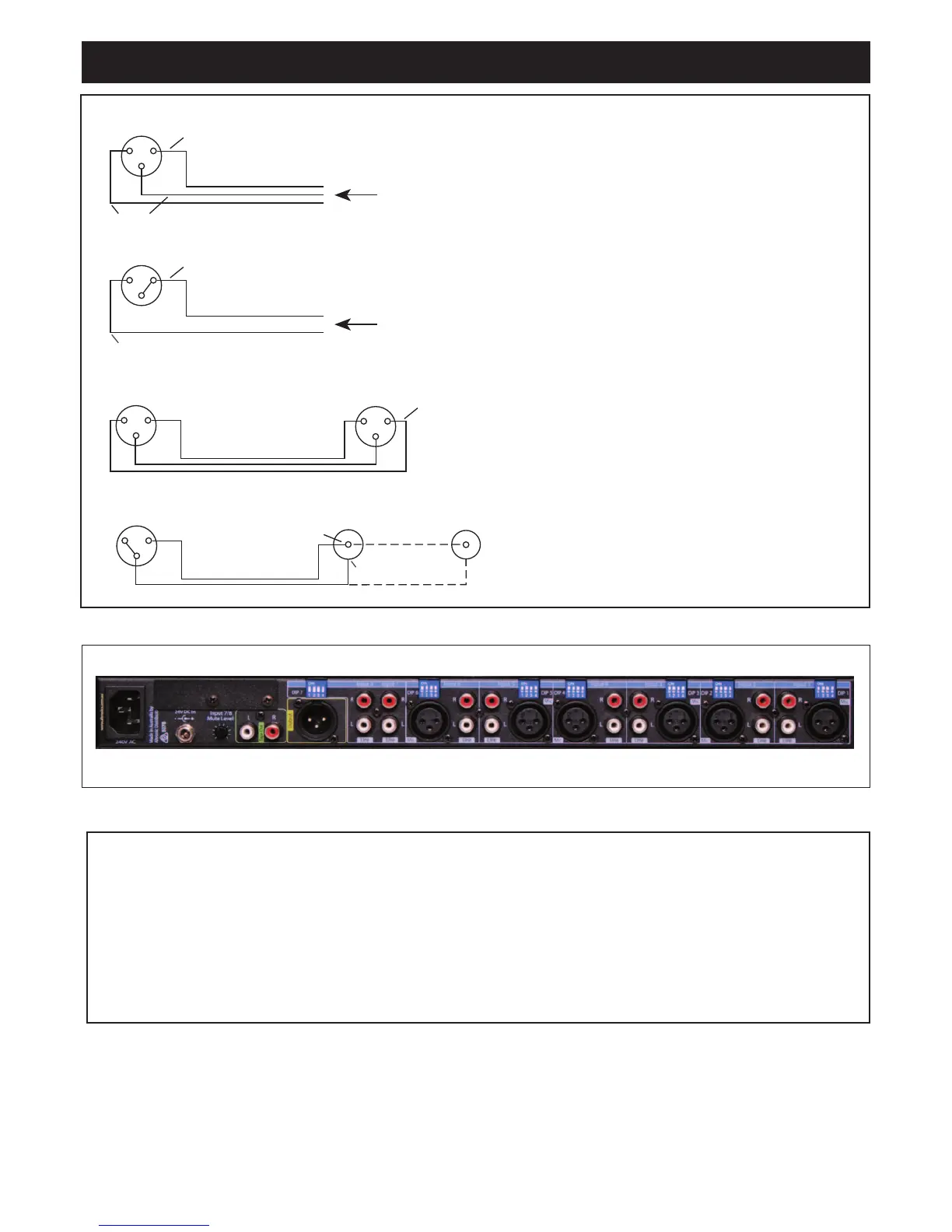
Microphone Connections
Connector Type:..................XLR 3Pin Female
Pin 1:.....................................................Earth
Pin 2:...............................Signal Inphase (hot)
Pin 3:......................Signal Out of Phase (cold)
Output Connections
Connector Type: .....................XLR 3Pin Male
Pin 1:.....................................................Earth
Pin 2:...............................Signal Inphase (hot)
Pin 3:......................Signal Out of Phase (cold)
A 4425A Rear Panel Layout
DIP 7 DIP 6 DIP 5 DIP 4 DIP 3 DIP 2 DIP 1
Trouble Shooting
Fault/Symptom: No Sound
• Check that there is power on both the mixer and power amplifier. The
mixer has a LED light to indicate if there is power.
• Check input and master volume controls are turned up.
• Check all lead connections
Fault/Symptom: When Paging the Music is Not Muted
• Set the VOX Muting DIP switch to “ON” for that input.
• Adjust the muting level control (inputs 7-8)
Fault/Symptom: Microphone Does Not Work
• The microphone may need phantom power. If so set the Phantom Power
DIP switch on that input to “ON”.
• Check microphone volume is turned up.
Input 7-8 no muting
• Check muting level adjustment on the rear panel
Line level too low
• Check sensitivity DIP switch settings. Set to correct configuration ie:
100mV or 1V (see table 1 for DIP switch details)


 To Next Page
 Loading...