9
Inserting/Replacing The
Battery
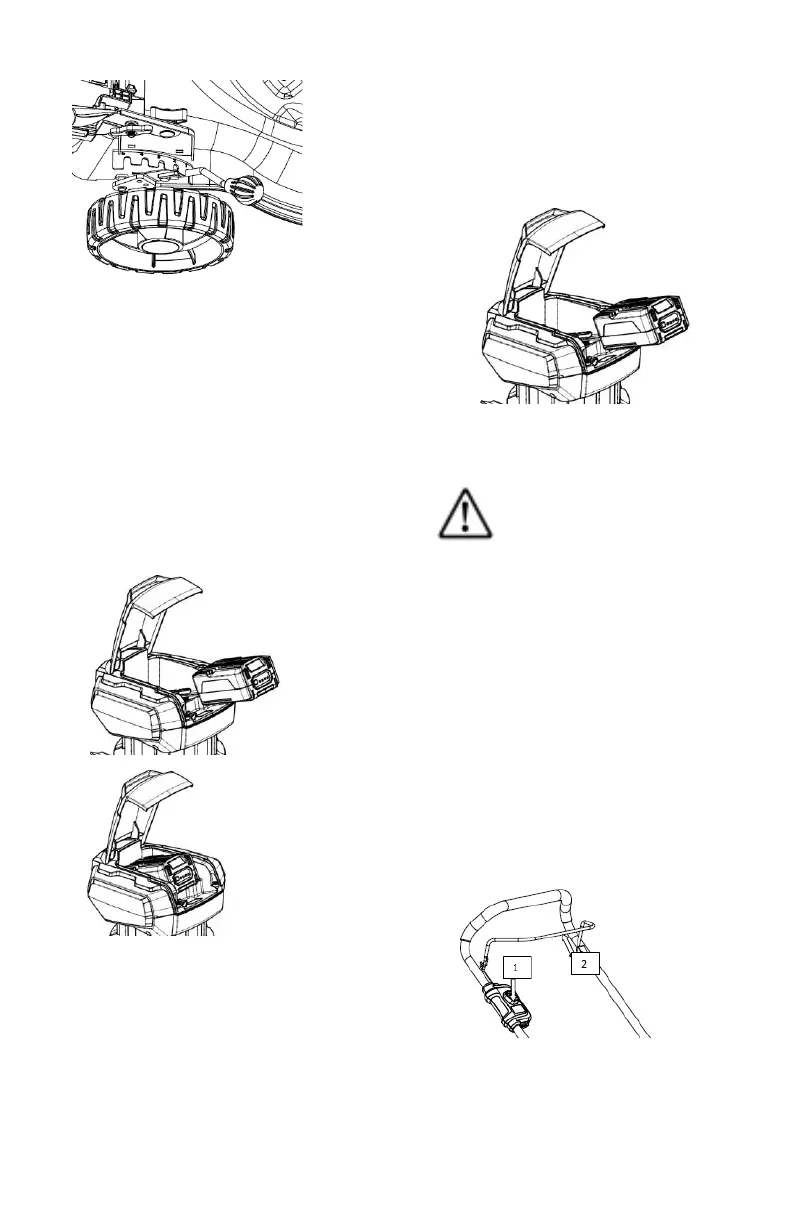
Ensure that the battery is fully charged
before inserting it into the tool.
1. Open the battery cover.
2. Press the charged battery into the
power tool until it clicks into place.
3. Close the battery cover.
Removing The Battery
1. Press the release button.
2. Pull out the battery.
GENERAL SAFETY WARNING
#3!
Switching The Power Tool
On
1. Press the switch interlock and hold
down (see #1 in the illustration
below).
2. Pull back On/Off switch towards the
handle (see #2 in the illustration
below).
3. The motor runs.



 To Next Page