7RGMP8 Setup and Users Guide
Welcome to Daphile
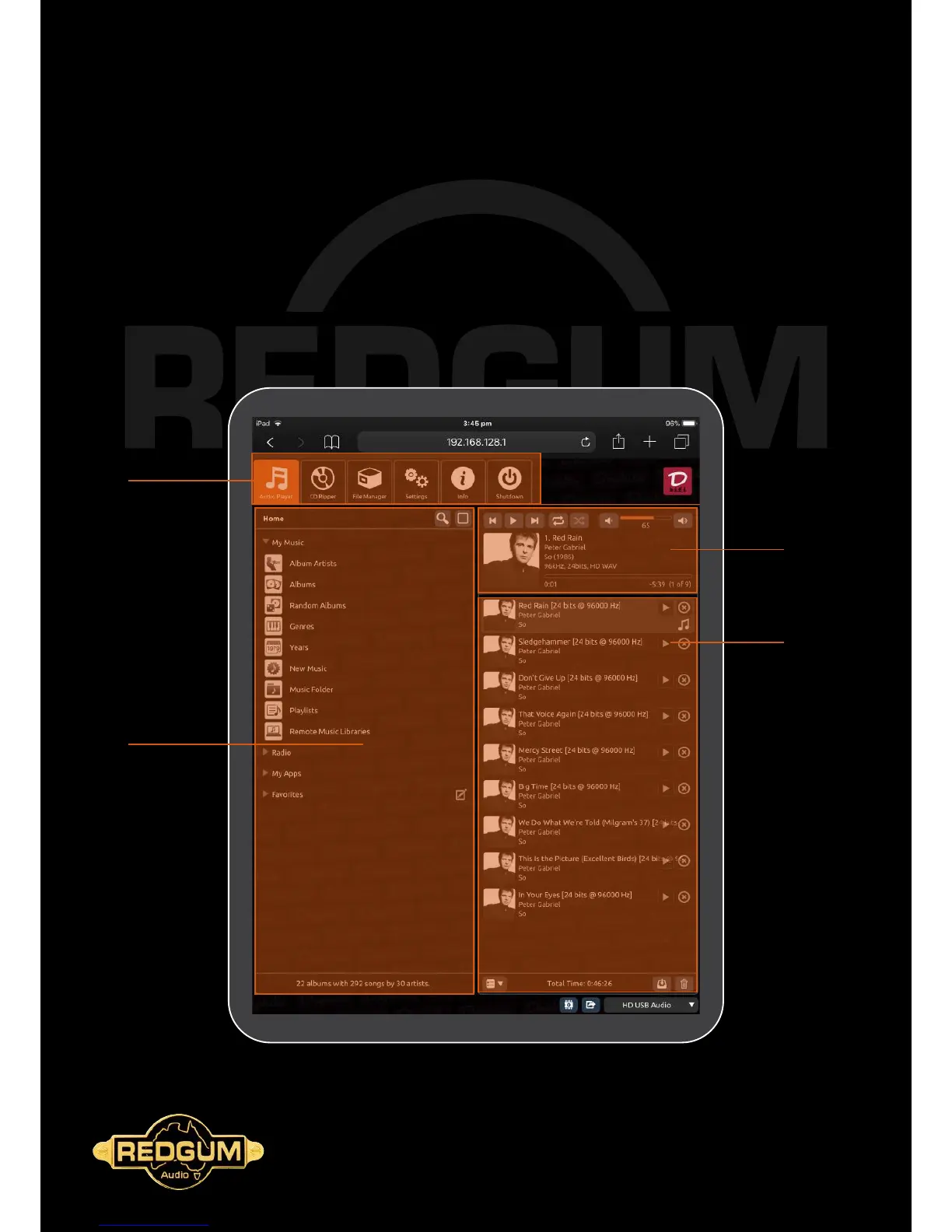
The Daphile Audio Player Interface
Playback Controls
Master Controls
Library Browser
Playlist Window
The Daphile interface is laid out as below for ease of use. Users will be familiar with most of the controls and features of the
player, from the easy to navigate Library Browser on the left hand side, through the playback controls on the right hand side
and the playlist window under that. Further controls and settings are available under the Master Control tabs on the top of
the window (portrait orientation).



 To Next Page