03
Make sure the charging case is not out of
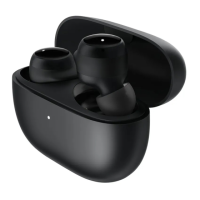
charging case, and the earbuds will
automatically turn on.
Turning On
Charging
When the earbuds are placed in the charging
case, they will automatically start charging.
into the charging case. This will extend their
service life and helps to avoid losing or misplacing
them.
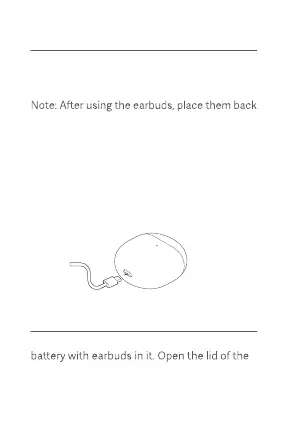
Use the Type-C charging cable to charge both
the earbuds and the charging case. The charging
case indicator remains white while charging,
and turns o when fully charged.
Charging the earbuds
Charging the charging case


 To Next Page