08
Download and open the app.
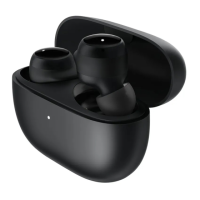
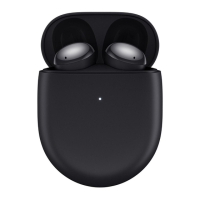
Place the earbuds into the charging case and
close its lid. Ensure the phone is unlocked
and its Bluetooth is enabled, and hold it close
to the charging case. Open the charging case
lid and follow the instructions on the phone
to connect the earbuds.
1.
2.
How to Use the App
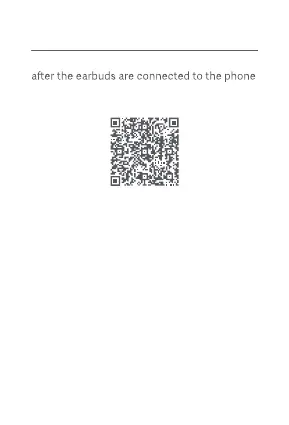
The built-in function can be used with the app
via Bluetooth. Scan the QR code below to
download the app.
Note: Once connected, you can use the app
to update the firmware of the earbuds.
Quick connection
Connecting with the app


 To Next Page