Frequently Asked Questions
This appliance contains a chargeable lithium battery pack, which is harmful to the environment
when scrapped. Please take the battery out of the appliance according to the following
instructions and dispose it reasonably before scrapping the appliance:
. Please cut off the power and run out of power as much as possible before removing the
batteries, then unscrew the machine handle and the shell bottom to fix screw.
. After gently separating the battery pack and the handle assembly, remove the battery pack.
Be careful not to damage the battery shell to avoid danger.
. Please transfer the removed batteries to a professional recycling agency.
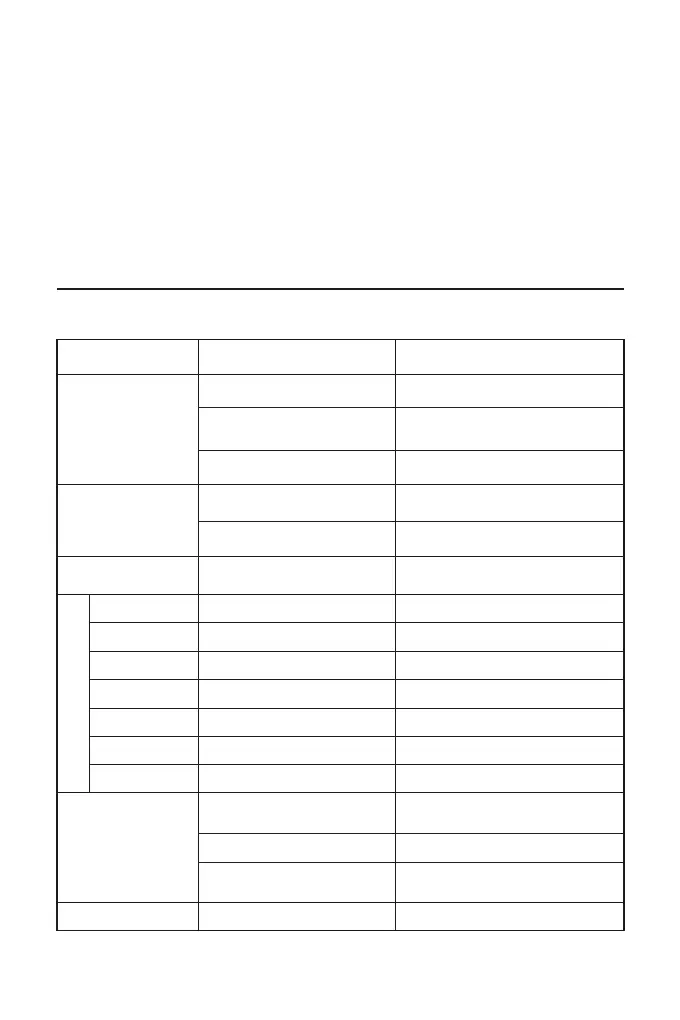
When the vacuum cleaner is not working properly, please refer to the table below for exception
handling.
Common Fault Possible Cause Solution to the Problem
The vacuum cleaner
doesn't work
Product Suction
Weakening
Abnormal Sound of
Motor Operation
Charging
Screen Display
E04
E05
E06
Under the
chargingstatus,
indicator
light is not on.
Charging too slowly
Automatic protection is triggered
by high temperature due to
blockage
The product is no power or
under-powered
A clogged suction inletor passage.
The dust tank full and the filter
kit is clogged with fine dust.
Accessory blocking
Over-discharge protection
The main machineand the power
adapter jack are not connected well
Excluding both of the above
situations, if problems still exist.
The battery is full and the battery
is in the dormant state.
Battery temperature is too low
or too high.
Clean up the suction inletor passage
and restart it after cooling
Please fully chargethe product before
using it
Remove foreign matters from the
suction inlet passage
Clean up the trash in the dust
tank and the filter kit.
Clean the blockage in the accessory.
Clean obstacles in the main suction
portion and metal connecting rods.
Remind to charge, remove the
protection after charging
Blockage of
air duct
Blocking protection of main
suction motor
Cleaning of dust suction port and
air duct
Winding of
brush head
Over-current protection of floor
brush motor
Clean the dirt on the brush head
Contact after-sales maintenance service
Filter element
replacement
Discharge for 30 hours
Replace the filter element, remove the
reminder after restart to resetting the machine
Automatic restore the charging function after
the temperature back to normal
No-load protection of main
suction motor
Turn on the machine after coolingOver-temperature Protection
Over-temperature Protection
Check if the power adapter is plugged
in.
Please contact the company after-
sales service for maintenance.
Normal service
Please wait for the battery temperature
to return to normal before charging.
The main suction portion or metal
connecting rod is blocked.
17


 To Next Page
 Loading...