9
Icon Description
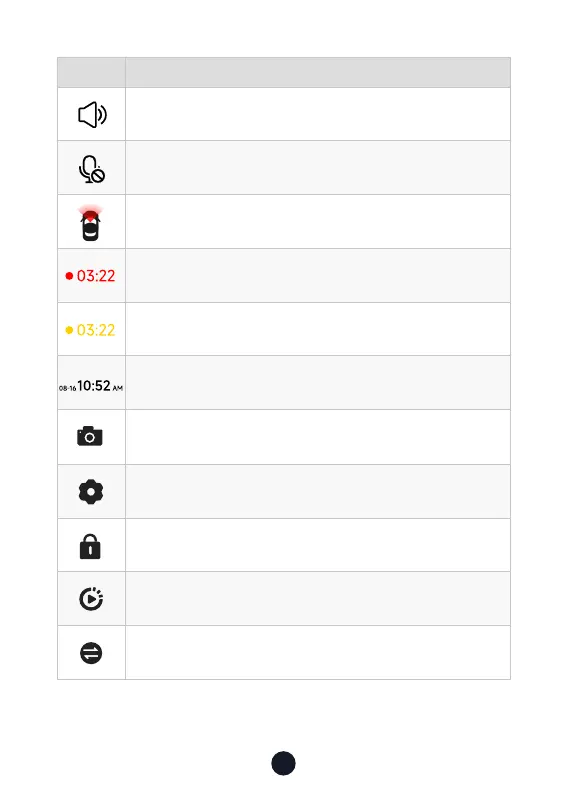
Camera system sound status
Voice recording status
Which camera is being displayed
Recording status and recording time
Emergency recording is on
Date and time of the camera
Photograph
Sho press to enter settings. Long press for 3 seconds to turn on
or o WiFi
Emergency recording. Sho press to lock the video
Playback
Switching from front, inside and rear cameras



 To Next Page