8
Operating Instructions
Power ON and OFF
1. Gentlypullthetriggertoturnthethermometeron.TheLCDdisplay
and white backlight will turn on.
2. The thermometer will automatically shut off after 9 seconds of
inactivity.
Turn Laser Indicator ON and OFF
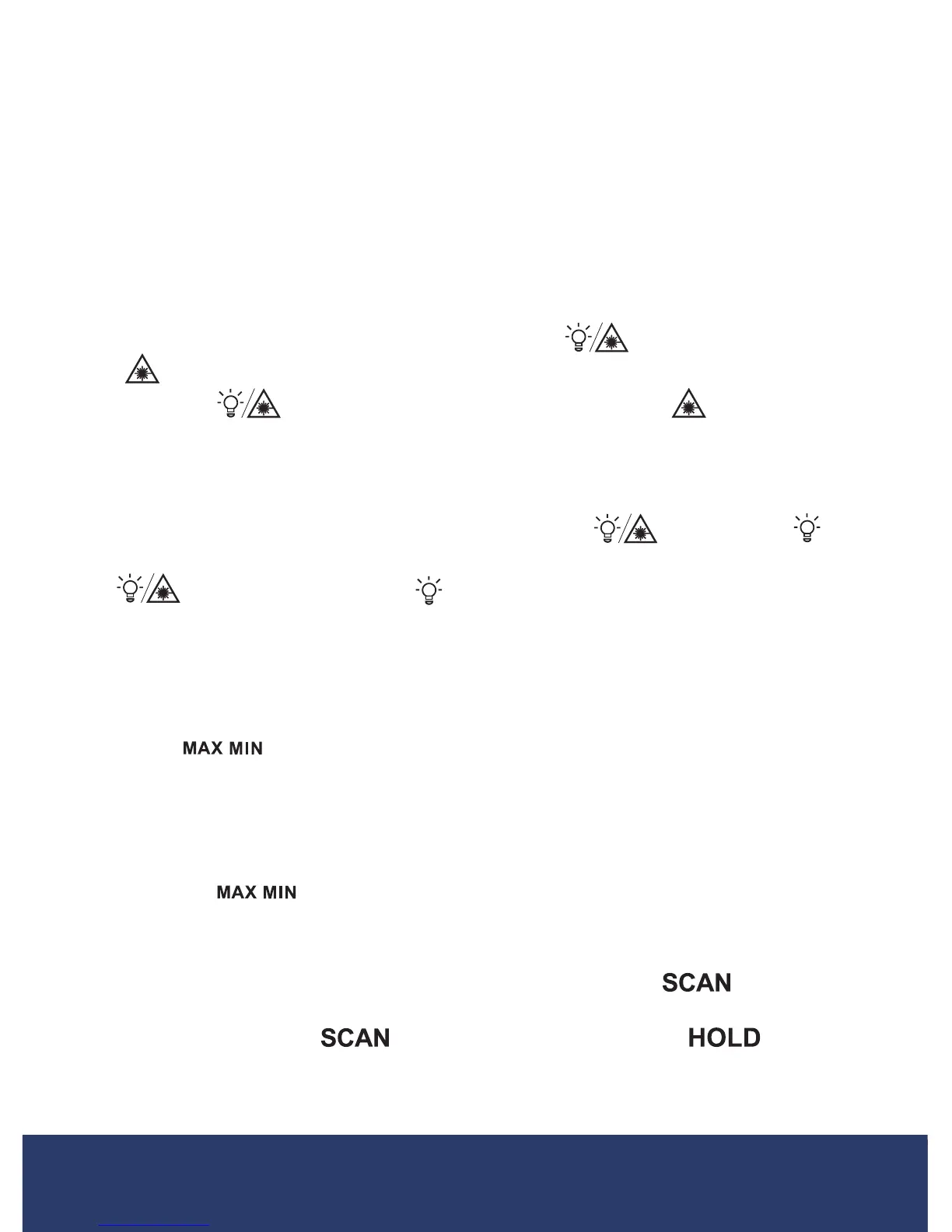
To turn the laser on or off, press and hold the button for 3 seconds.
The
icon will appear on the display indicating the laser is on. Press
and hold the
button again for 3 seconds and the icon will disap-
pear on the display indicating the laser is now off.
Turn Display Backlight ON and OFF
To turn the display backlight on or off, press the button. The
icon will disappear on the display indicating the backlight is now off. Press
the
button again and the icon will reappear on the display and
the backlight will turn on.
Display Maximum and Minimum Temperatures During
Measurement
Press the button to toggle between the maximum and minimum
temperaturemeasurementmodes.WhenthetriggerispulledinMAX
mode, the maximum temperature measurement will show on the display.
WhenthetriggerispulledinMINmode,theminimumtemperature
measurement will show on the display. To resume normal operation, press
and hold the button for 3 seconds.
Data Hold Measurement
Pull and hold the trigger after aiming at the target. The icon will
ash,indicatingthatthetargettemperatureisbeingmeasured.Whenthe
trigger is released, the icon will disappear and the icon will
appear indicating that measurement has stopped and the last measured
temperature will remain on-screen until another measurement is taken.
continued...
1.888.610.7664 info@REED-Direct.com
REED-Direct.com


 To Next Page