5
Camera Illumination
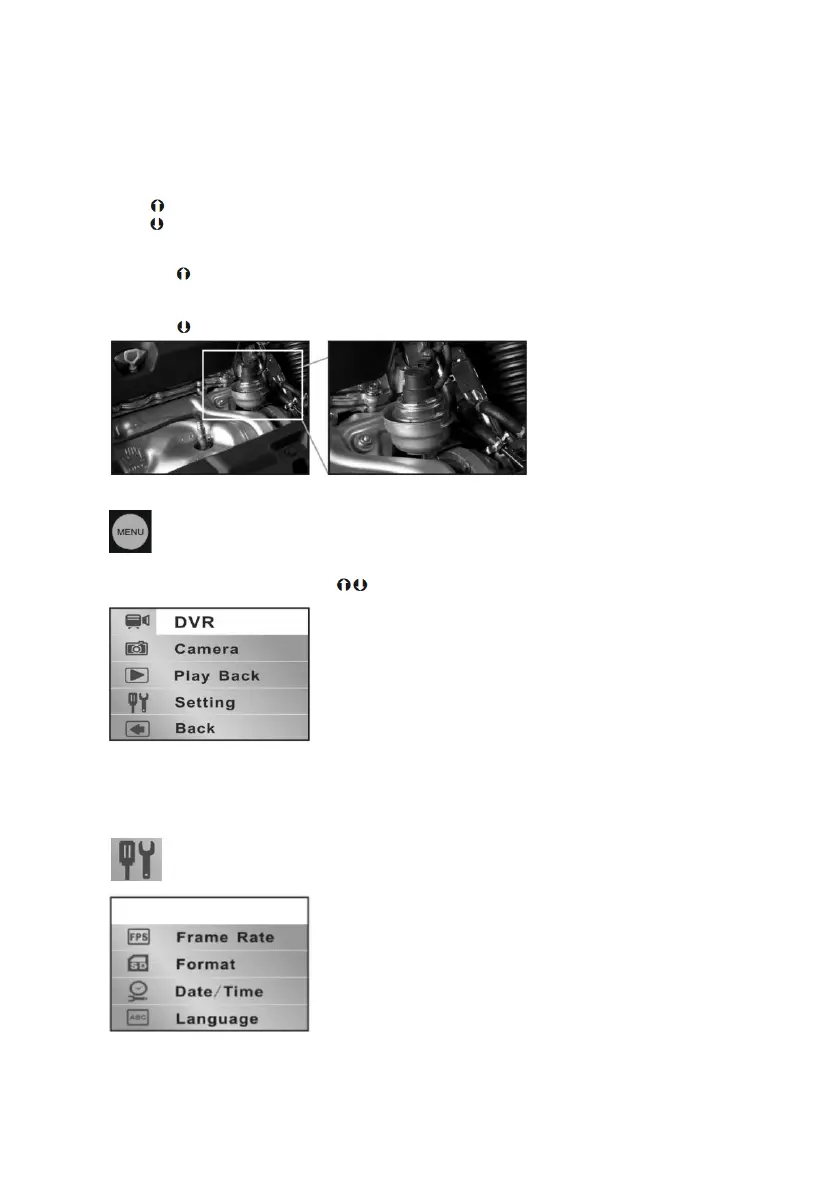
The inspection camera is equipped with a dimmable LED light in the camera head, which can
be adjusted using the navigation/brightness keys (3 or 5).
Press to increase the brightness
Press to reduce the brightness
Rotating the display
Press the button for 1.5 seconds to rotate the display by 180˚.
Zoom function
Press the button for 1.5 seconds to be increased in size from x1 to x4
Menu Options
The menu options are accessed by pressing the MENU/OK button (6)
To move up/down the menu press keys
To select a menu item press the camera button (4)
Select EXIT to return to the previous menu or exit the menu options
Settings


 To Next Page