5
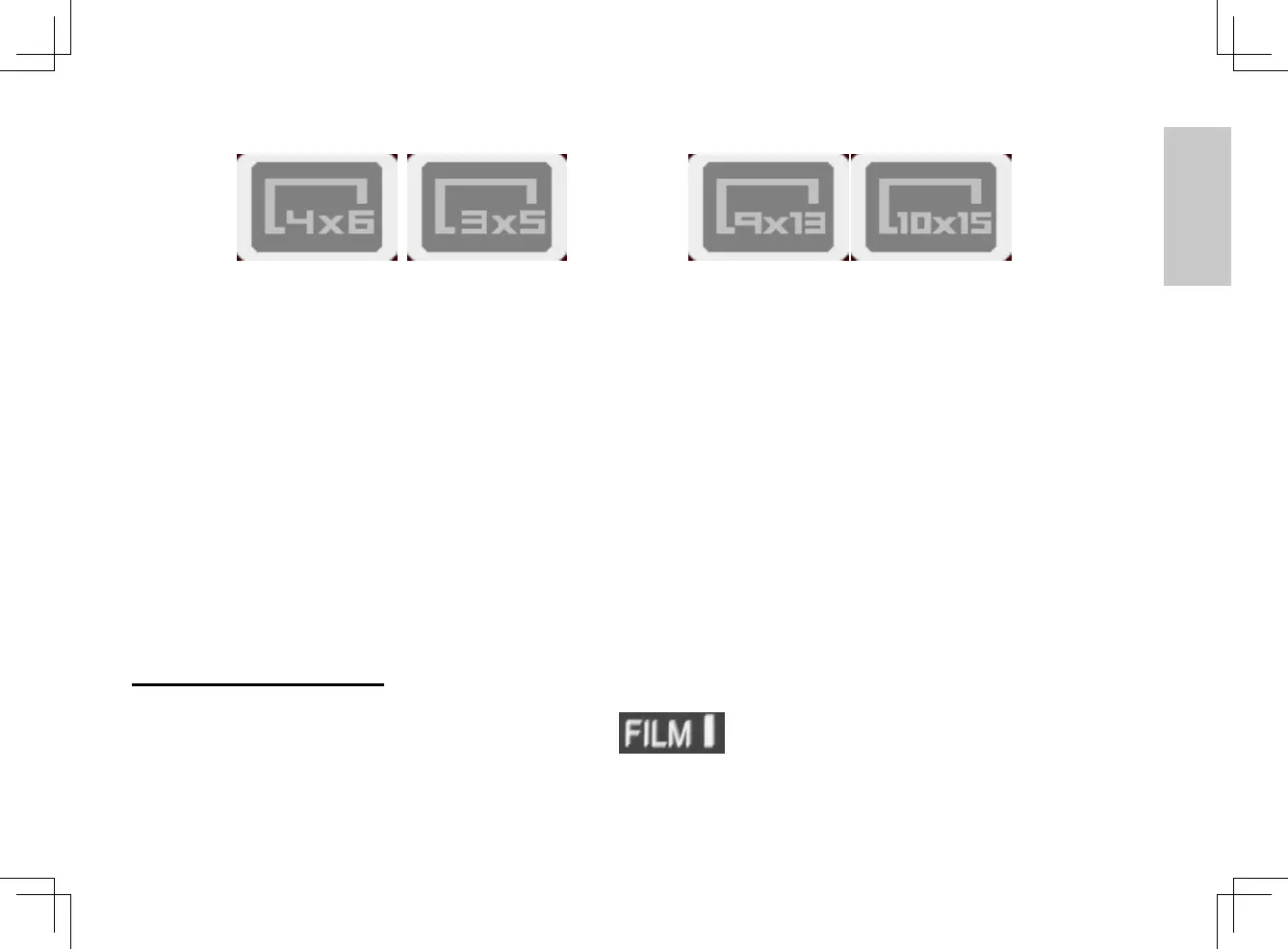
Press OK then pressing the right arrow one time will advance you to the Photo size options
available, inches or
centimeters using the down arrow below the OK button select your photo size, then press
OK to set the size, the viewing window will show the selected size chosen (4x6 will only
show full screen image)
Insert your photo into the unit, lift the lid and place the photo with the top of the image at the
front of right corner of the scanner where the arrow indicates, lower the lid.
To scan pres the scan button on the front of the unit, the display will indicate “capturing”
when this message disappears the scan is complete, your photo has been scanned to the
SD Card.
Scanning Film/Slides:
You must first move the switch to Film mode, then lifting the lid of the scanner
remove the film scanner cover from inside, by pressing down on the 2 tabs to release the
cover, remove and keep this in a safe place.
3720093-多國manual.indd 5 2010/11/4 下午 7:14















 To Next Page