6
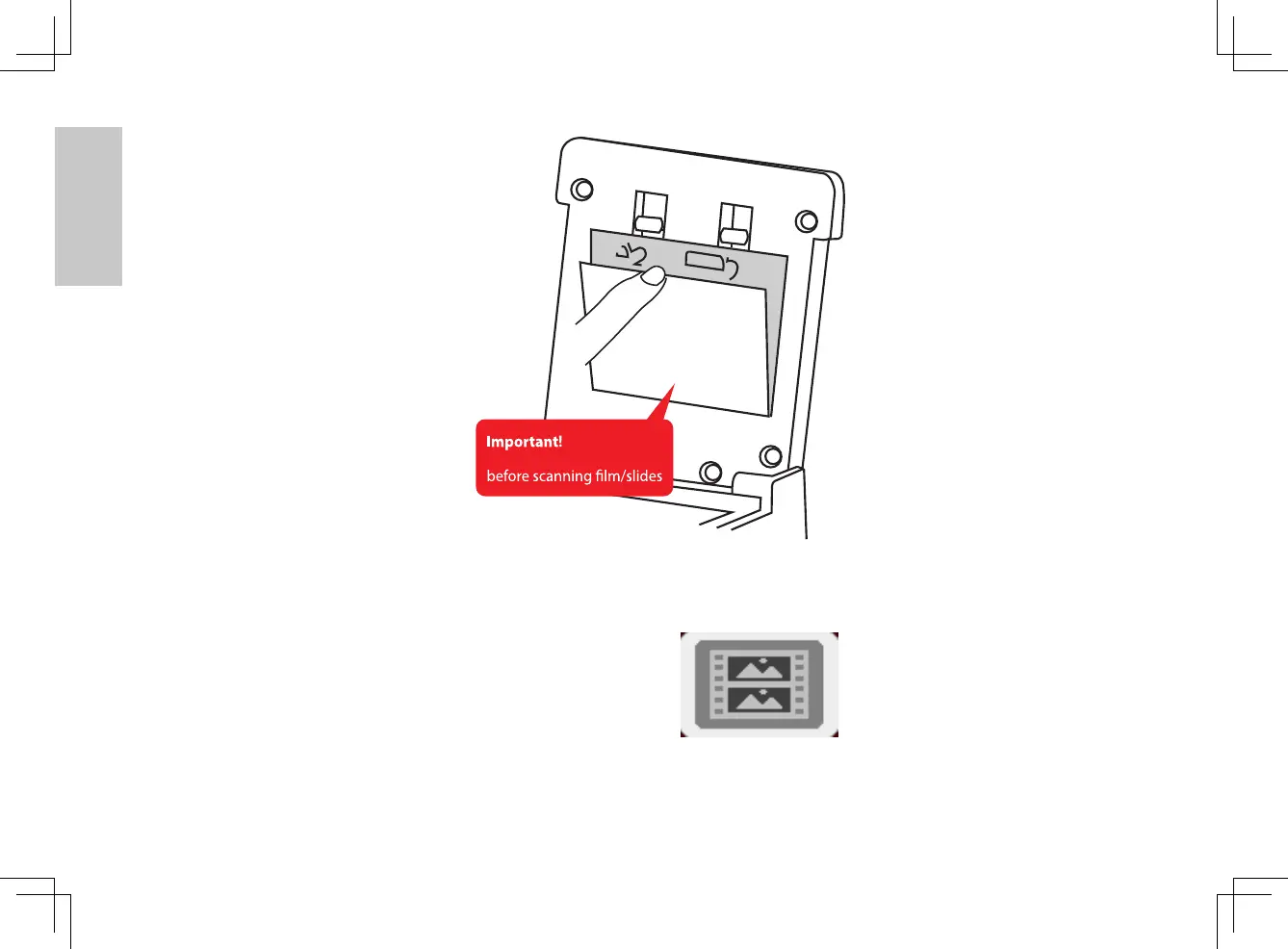
Once the film cover has been removed lower the lid of the scanning unit, now you may
select between film types you wish to scan, Pressing the Menu tool, then press the right
arrow once to get to the film type selection tool using the down arrow select
from: Positive (slides), Negative (color film strips) or B&W (black & white negatives) Highlight
your selection and press OK.
Tab
Tab
Please remove white plate
3720093-多國manual.indd 6 2010/11/4 下午 7:14















 To Next Page