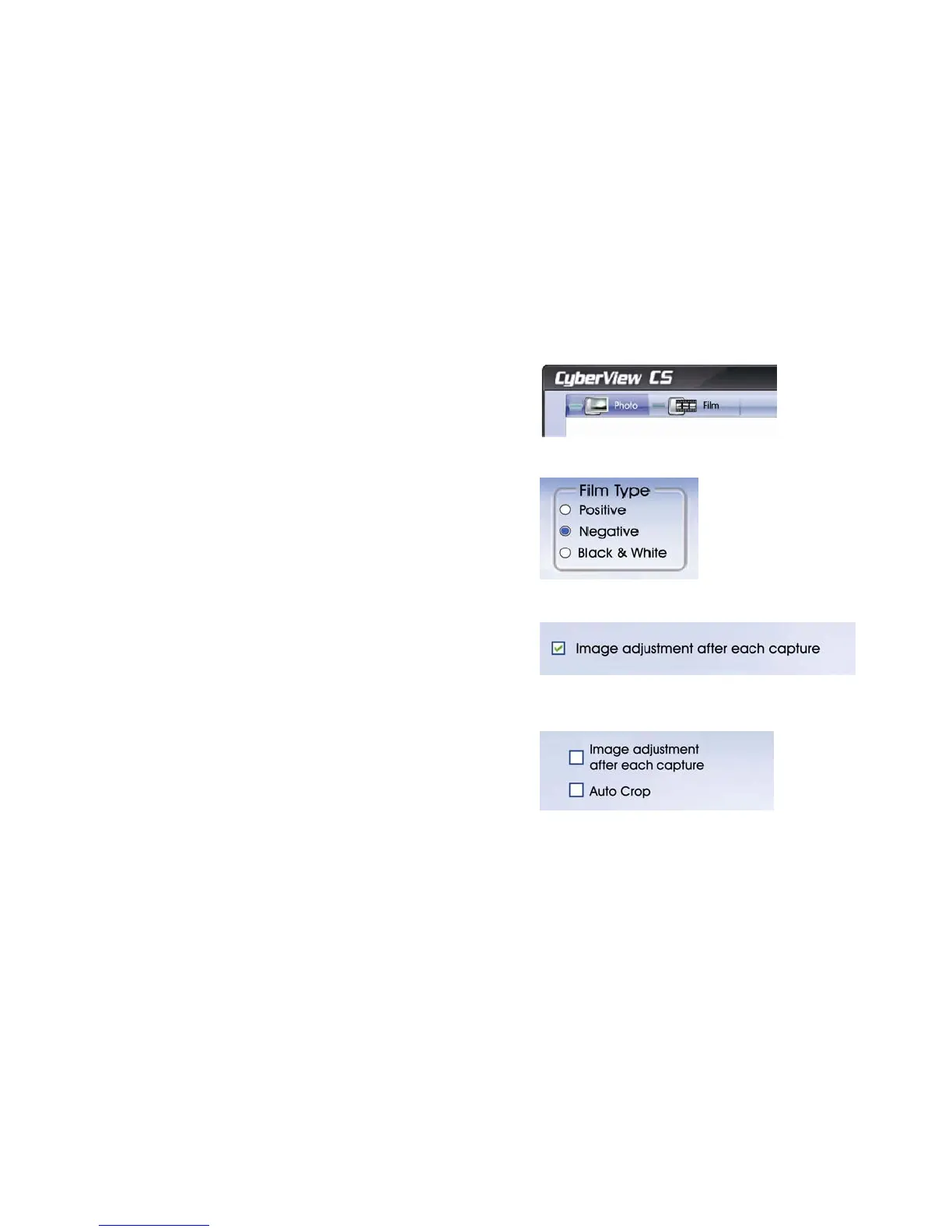
1. Select scan mode
Photo - for prints
Film - for negatives & positives
2. Select Film type if scanning films
z Positive for mounted color slides
z Negative for film strips
z Black & White for BW film strips
3. Select whether or not you wish to manually
adjust each image after capture by checking
the box.
4. Also whether or not you wish to auto crop the
scan or perform manual cropping, with Auto
crop unchecked (disabled) you will be able to
set the crop area of your choice
13















 To Next Page