USING THE SCANNER
SCANNING INTO THE APPLICATION SOFTWARE
– Save and Organize option
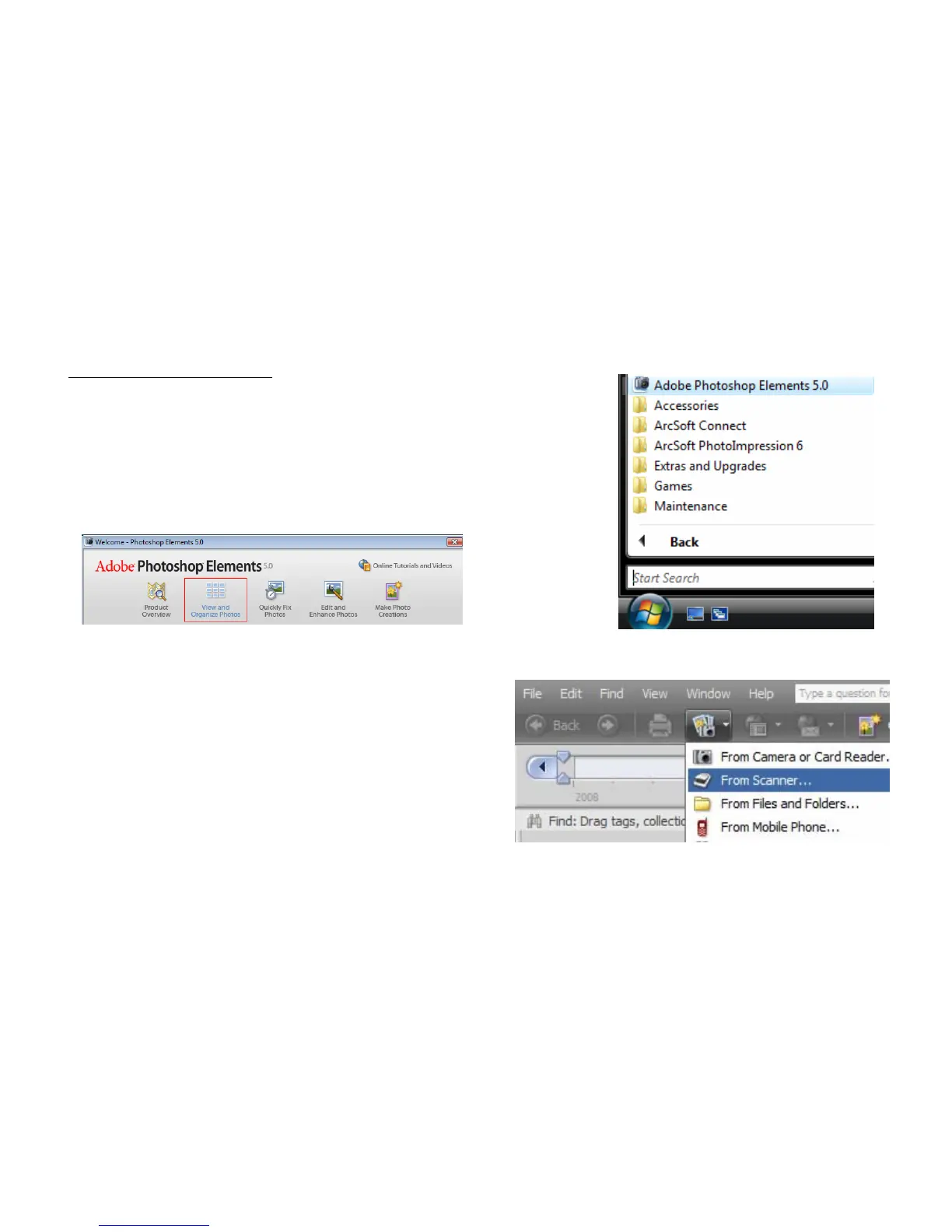
Open the Adobe Photoshop Elements by going to
Start - All
Programs – Adobe Photoshop Elements
.
Once the welcome screen appears select the View
and
Organize Photos
option.
Click on
File
-
Get Photos
and Videos From
Scanner
–Select
Cyberview CS
– ImageBox select
your JPEG compression quality.
8















 To Next Page