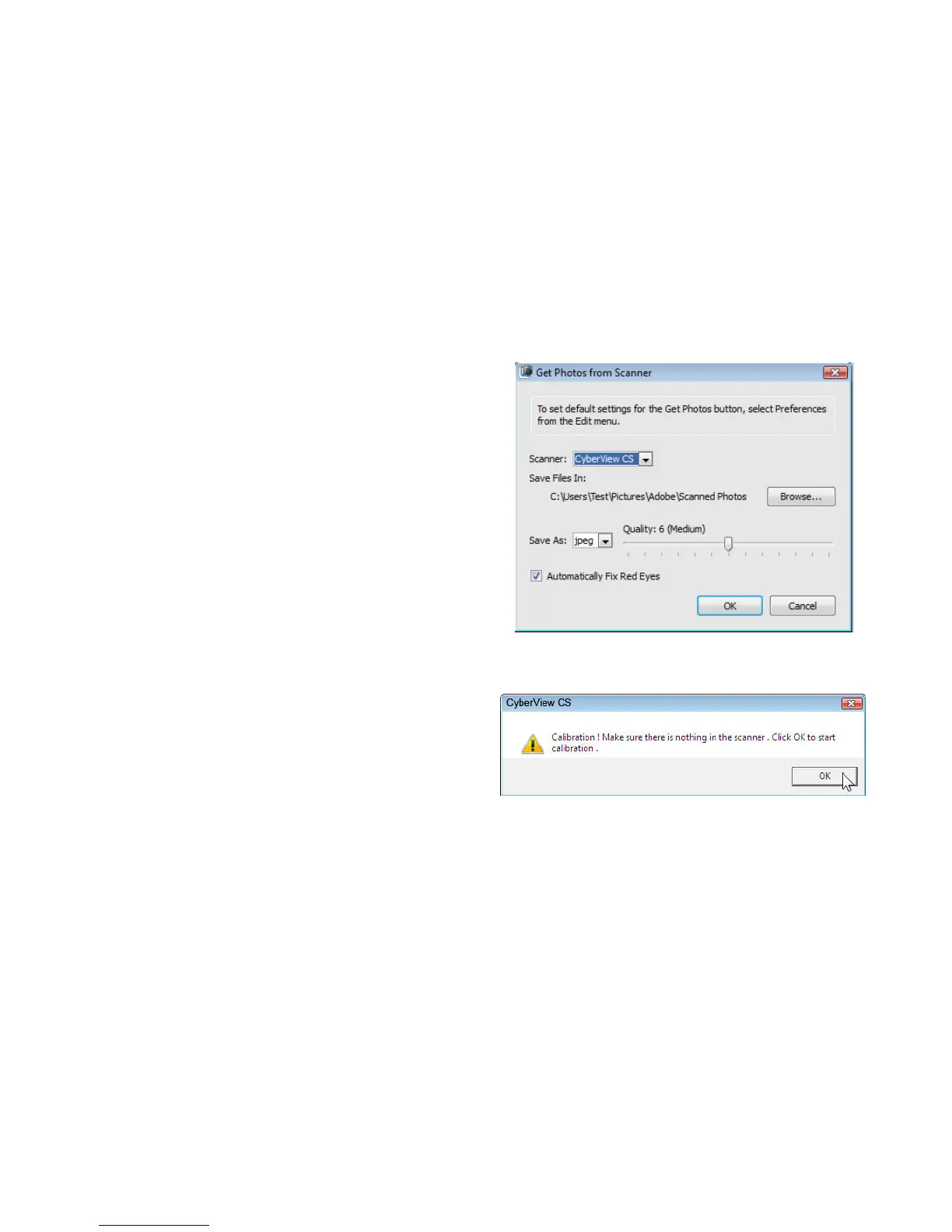
The higher the number is, the less compression
is being used, which results in larger JPEG files.
If you desire smaller file size, please set the
number to medium or low.
Keep in mind that anything below medium is
generally not good for printing quality images.
Make sure the unit is empty when calibration
page pops up.
Next a calibration message will appear, make
sure the photo holder is empty and there is no
film/Slide holder inserted then Click OK to
calibrate the unit.
9















 To Next Page