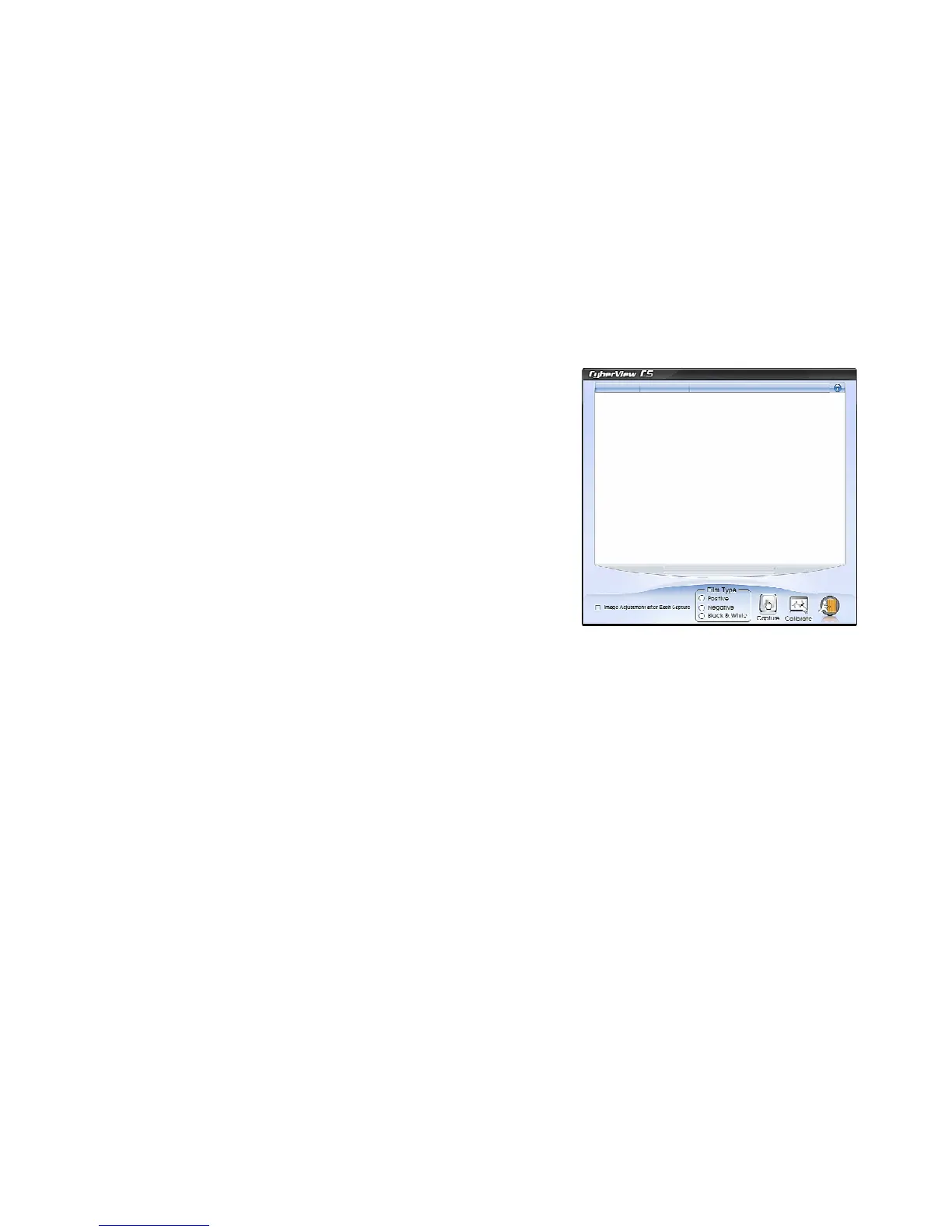
Once Calibration is completed, the scanning interface
will open.
Please note this calibration screen only appears on
the first use after driver has been installed, after that
manual calibration may be selected on the tool bar by
clicking on the “Calibrate button” when images appear
to be too dark or look strange
Continued on page 12
10















 To Next Page