USING THE SCANNER
SCANNING INTO THE APPLICATION SOFTWARE
– Edit and Enhance Option
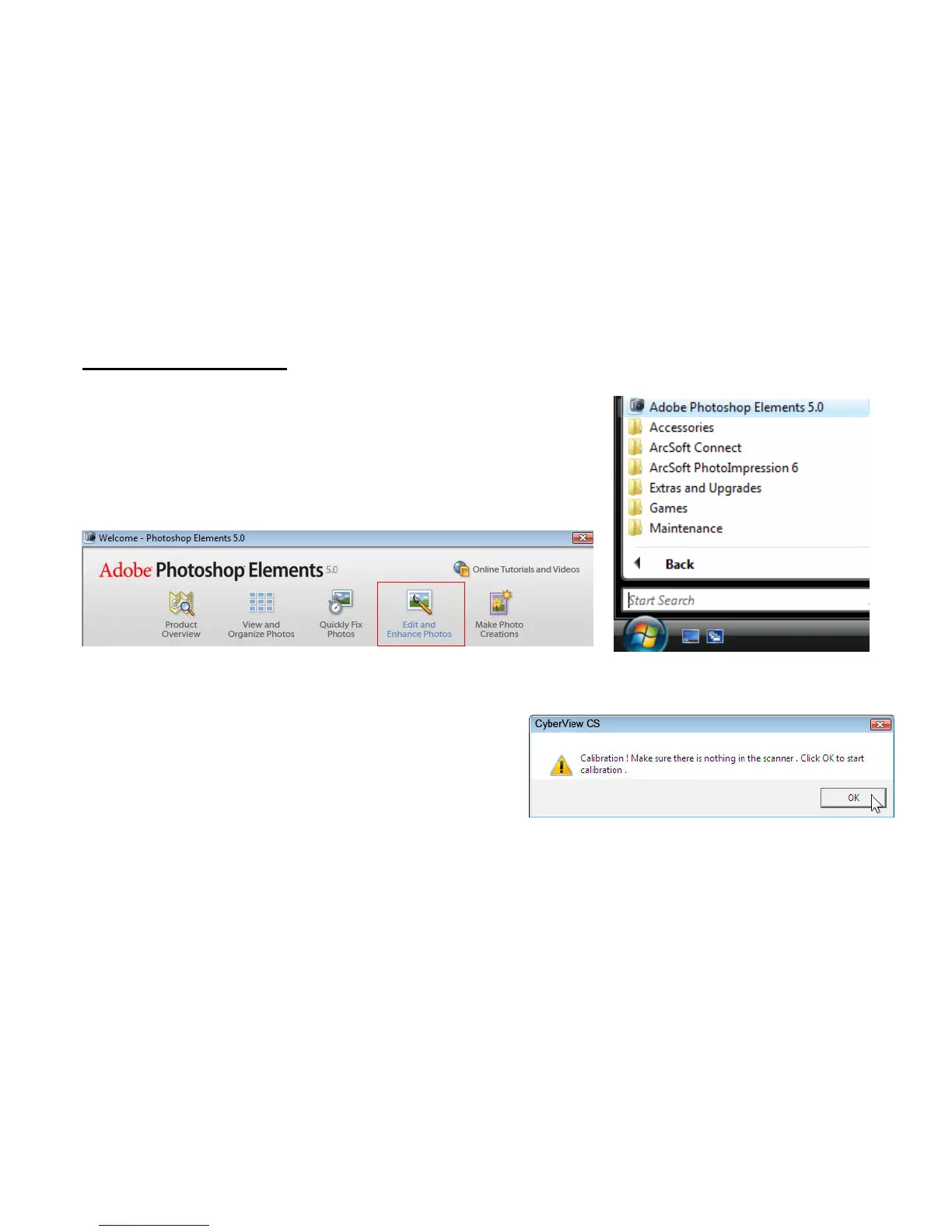
Open the Adobe Photoshop Elements by going to Start
- All Programs – Adobe Photoshop Elements.
Once the welcome screen appears select the Edit &
Enhance Photos option.
Click on File - Import –Select Cyberview CS – select your JPEG compression quality.
Next a calibration message will appear, make sure
the photo holder is empty and there is no film/Slide
holder inserted then Click OK to calibrate the unit.
Please note this calibration screen only appears on the first use after driver has been installed, after that manual
calibration may be selected on the tool bar by clicking on the “Calibrate button” when images appear to be too dark or
look strange
11















 To Next Page