5
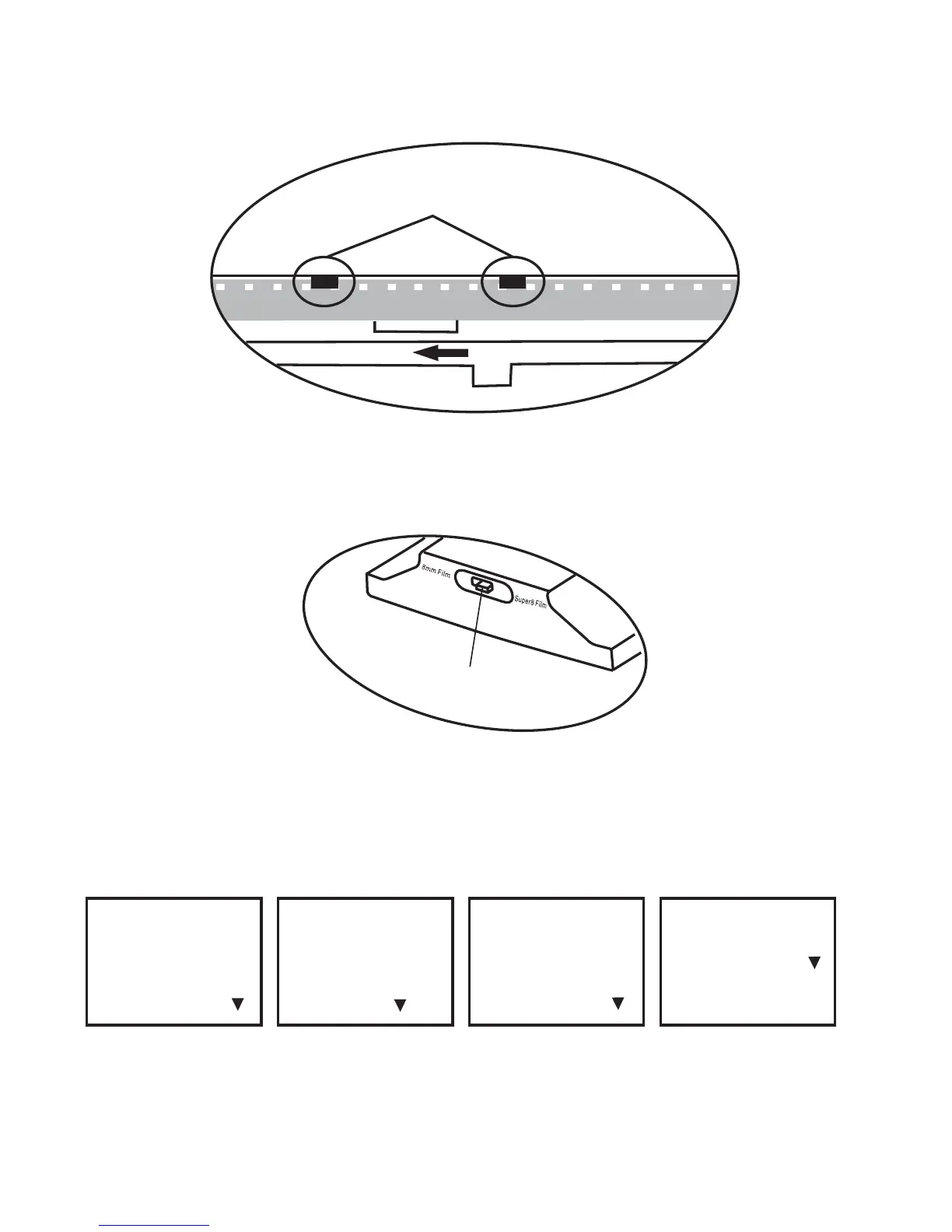
d. Push open the flap door, place film perforation holes at the top but under
the two white tabs.
Two white tabs
Open
e. Close the film flap door after the film has been properly placed.
f. Select film type by pushing the film type lever to either the left or right.
Film type lever
6. Menu Selections
Use the Up or Down arrow buttons to highlight the Menu selection and then
press Enter.
Record
Playback
Rewind (More )
Exposure
Sharpness
USB (More )
Frame ADJ
Language
Format (More )
Default Setting
Version (More )
1st page 2nd page 3rd page 4th page















 To Next Page