-
9-
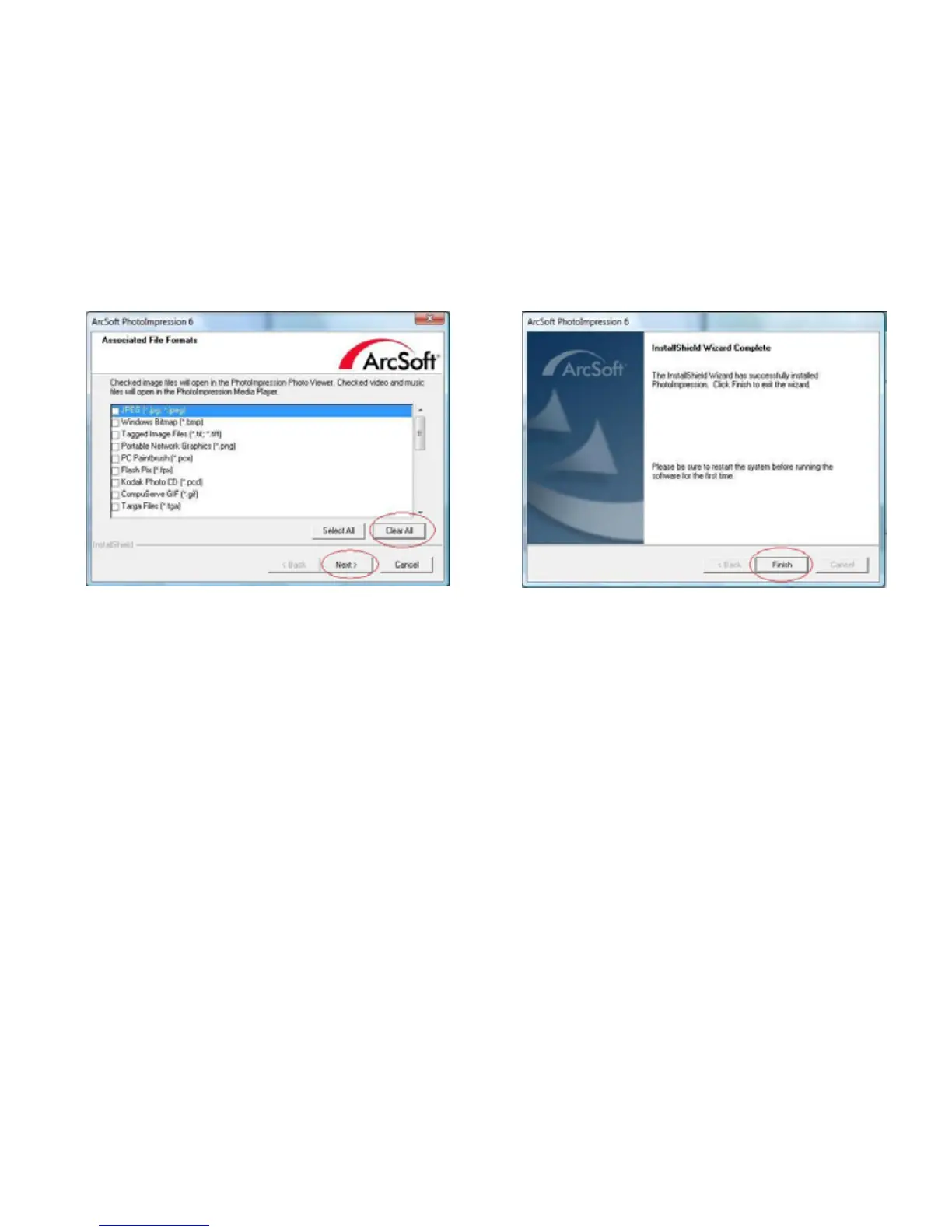
7. Once you get this to this screen select 8. Click on Finish to complete and restart the
"Clear All" so that PhotoImpressions does computer.
not take over the files on your computer.
9. The installed software will automatically create a “PhotoImpression 6” logo on yourdesktop.
Restart the computer and remove the installation disk.
Note: If a “Code 10 error” appears on your screen when using the program, please do not
unplug your device from the USB port of your computer. Please restart your computer and
resume running the PhotoImpression program.















 To Next Page