-
10-
4. Connecting the film converter to your computer with the USB cable
Note: Please remove the slide or film tray before connecting the device to the computer.
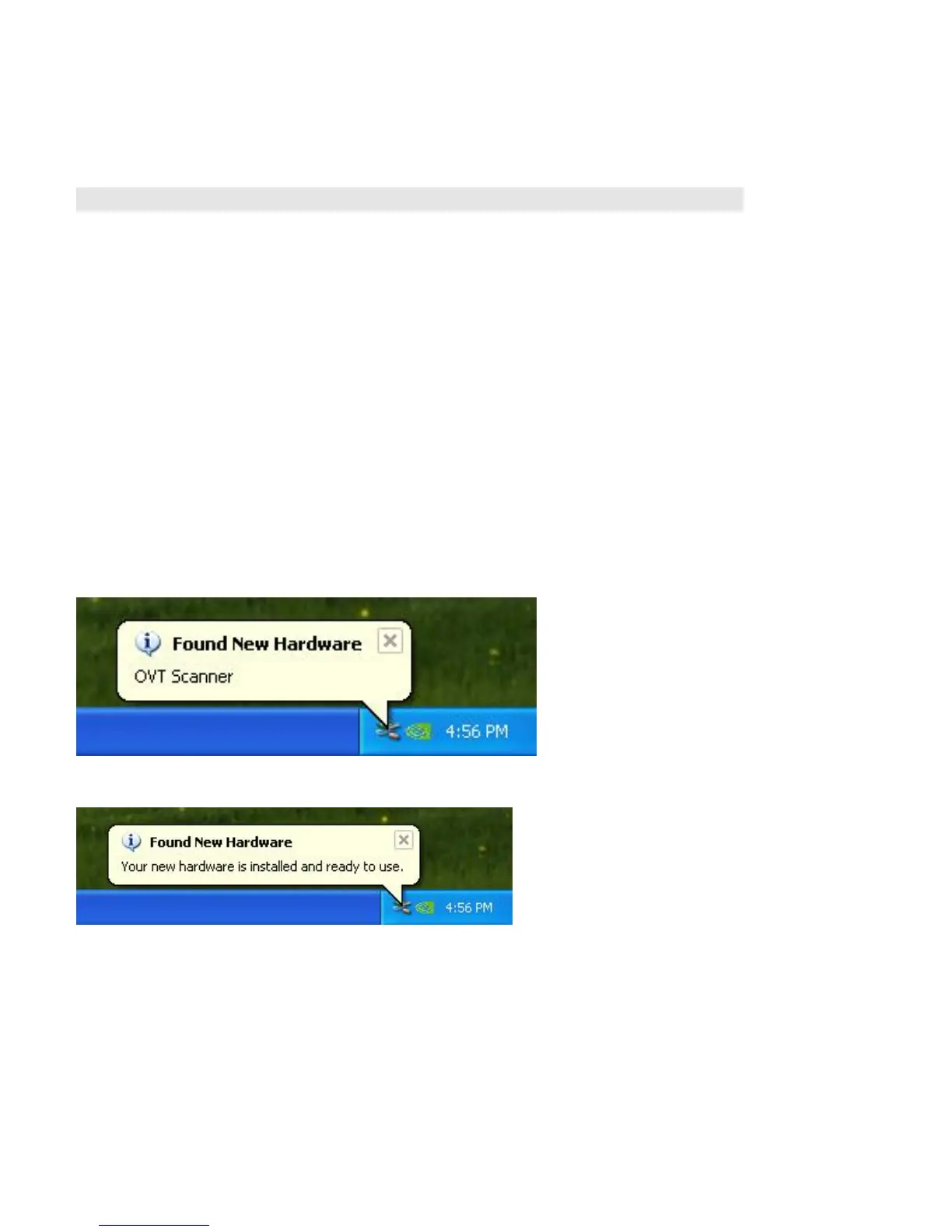
Once connected, the power LED light will be red. Please follow the steps below to synch up
the hardware with the software on the computer using the Found New Hardware Wizard. Note:
The Found New Hardware Wizard will only come up if the film converter is connected to a 2.0
USB port.
Windows XP directions:
1. Connect the film converter to the computer using a 2.0 USB port.
2. Do not insert the disk in to the drive
3. Found New Hardware Wizard will automatically look for the installed software
4. The hardware is successfully installed















 To Next Page